
Software
Microsoft Teams isn’t just for business—it’s revolutionizing education by making collaboration, communication, and learning more dynamic. These 10 benefits show how educators can leverage Teams to create interactive classrooms, streamline workflows, and boost student engagement—all within a familiar Microsoft ecosystem.
Seamless Classroom Communication Platform
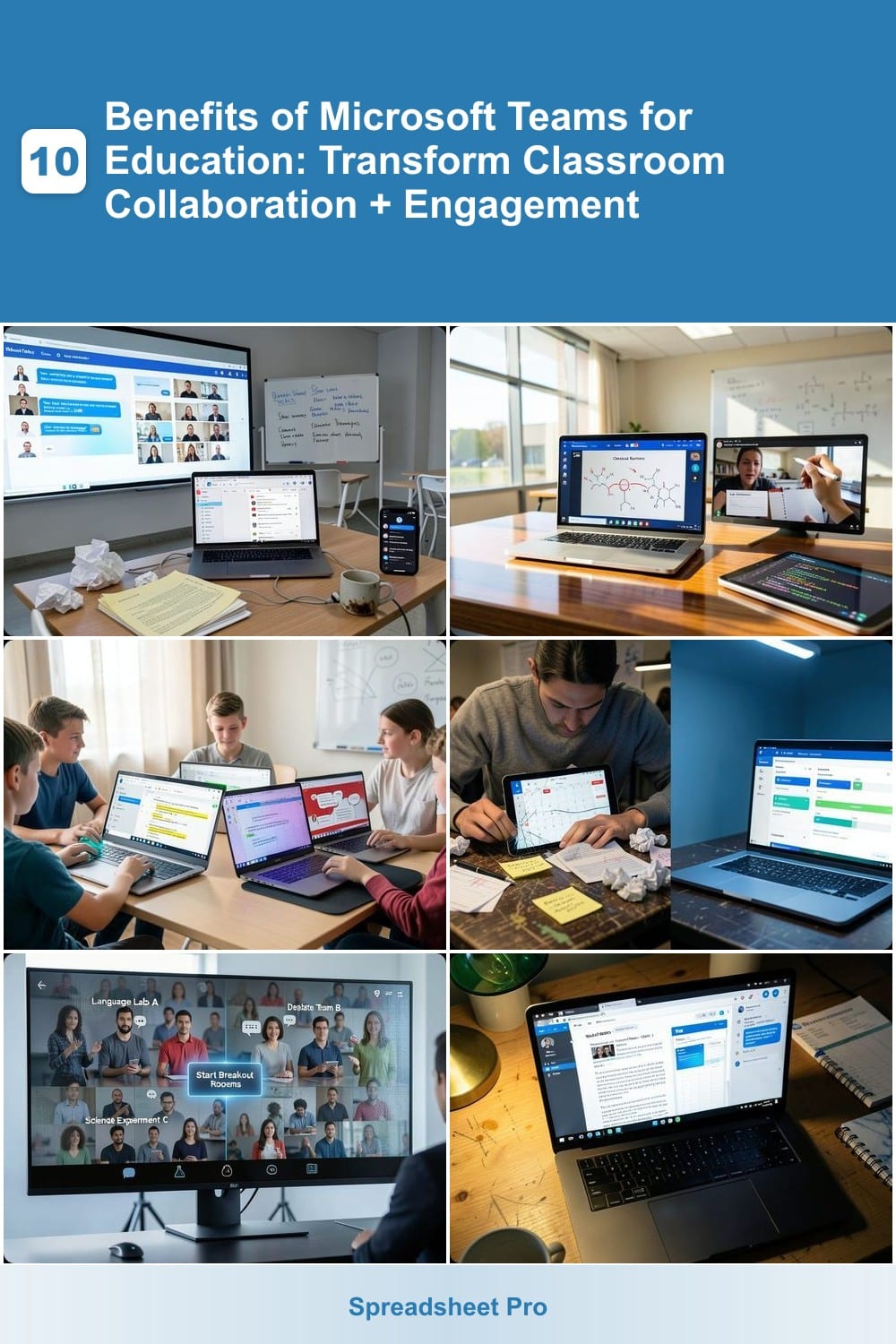
Say goodbye to the chaos of scattered emails, lost announcements, and endless follow-ups. Microsoft Teams acts as your classroom’s unified communication hub, replacing fragmented tools with a single, organized space where teachers and students connect in real time—whether they’re in the same room or across the globe.
With dedicated channels for each class, you can post updates, share resources, and host quick video check-ins without switching between apps. The @mentions feature ensures messages get seen instantly, while persistent chat history keeps all discussions searchable. For hybrid learners, file sharing and live polls turn passive observers into active participants—no tech expertise required.
This is the perfect solution for teachers juggling hybrid classrooms or students who thrive on instant feedback. No more digging through email threads or waiting for replies—just clear, centralized communication that keeps everyone on the same page. 💻
Interactive Live Lessons with Screen Sharing
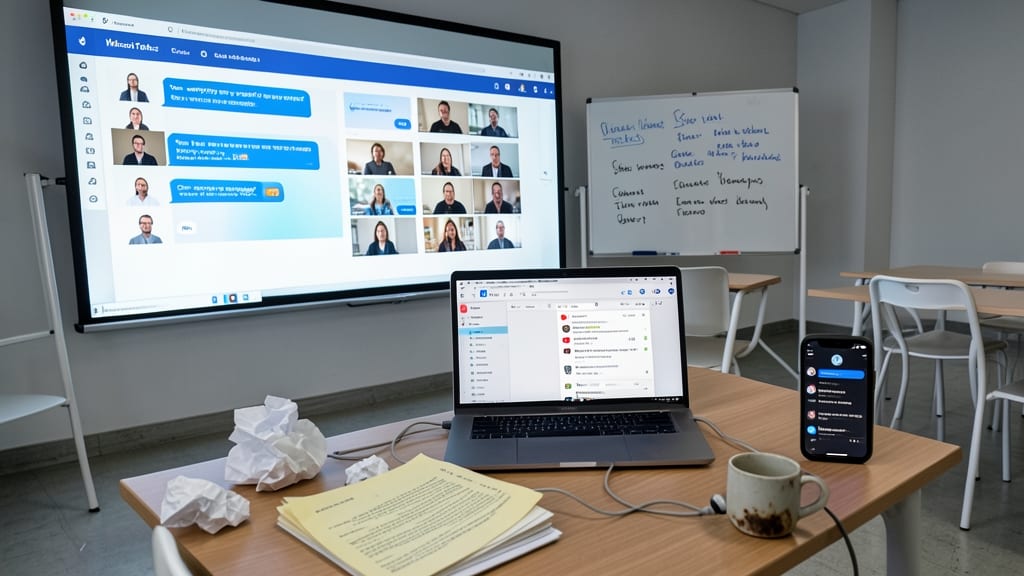
Turn passive lectures into dynamic, visual learning experiences with Microsoft Teams’ interactive live lessons. Whether you're teaching a chemistry lab, coding workshop, or physics demo, the screen-sharing feature lets you display presentations, annotate documents in real time, and even draw directly on shared files—all while students follow along on their devices.
Take engagement to the next level with in-built polling tools that let you gauge understanding instantly, or use the virtual whiteboard to sketch diagrams, solve equations, or brainstorm ideas collaboratively. For STEM subjects, the ability to share 3D models, simulations, or live data transforms abstract concepts into tangible lessons—no extra software required.
This is the ultimate tool for hands-on educators who want to replace static slides with interactive, discussion-driven lessons. Perfect for flipping classrooms or hybrid learning, it keeps students visually and mentally engaged—just like they’d be in a physical lab or workshop. 💡
Collaborative Class Notebooks for Group Work
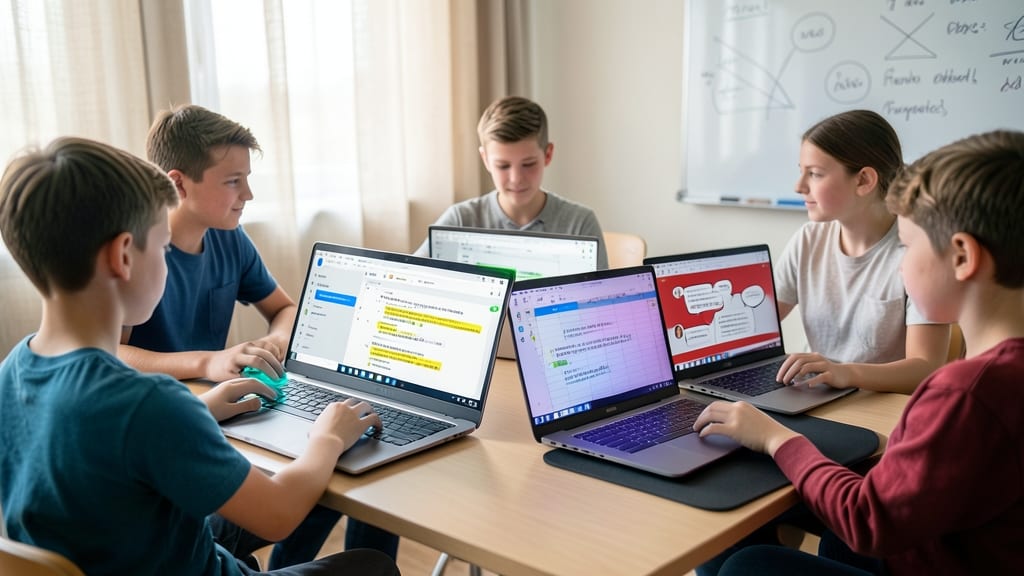
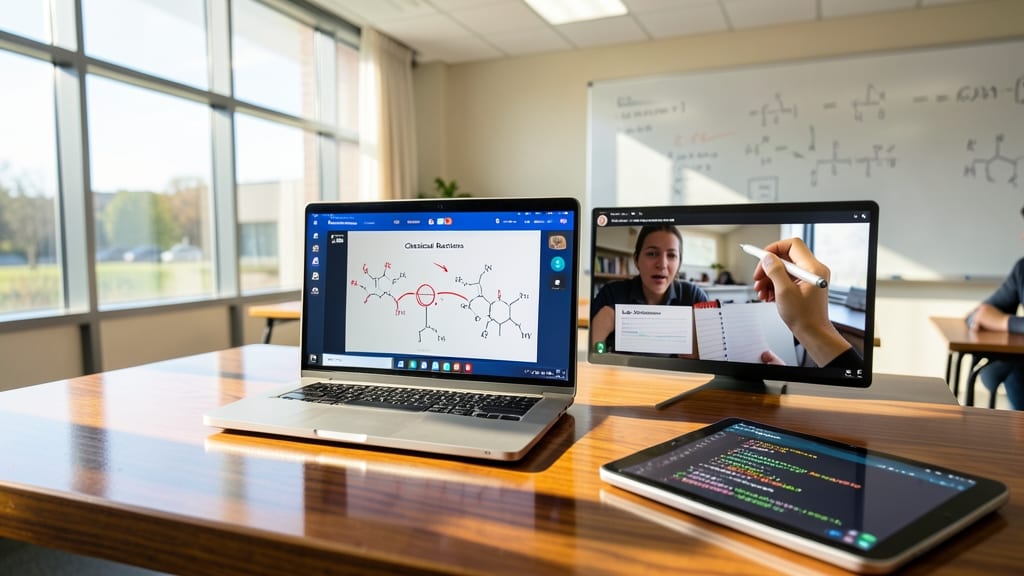
Say goodbye to endless email chains and "finalversionfinal.docx" chaos. Microsoft Teams’ collaborative class notebooks let students co-edit documents, spreadsheets, and presentations in real time—no more lost updates or version control nightmares.
With simultaneous editing (think colored cursors tracking changes live), integrated OneDrive sync, and built-in commenting tools, groups can work on projects together—whether it’s a group paper, a shared research spreadsheet, or a multimedia presentation. Teachers can even assign sections to different students and track progress without the back-and-forth of physical handouts.
This feature is a game-changer for group projects, peer reviews, and brainstorming sessions, cutting prep time by up to 40% while keeping everyone on the same page—literally. ✨
Integrated Assignment Management System
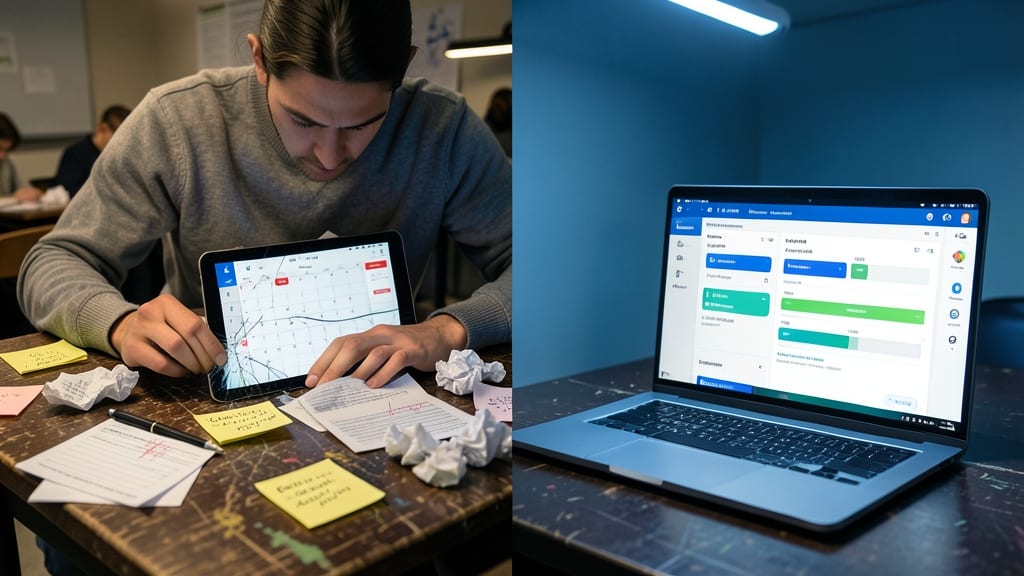
Tired of chasing down late assignments or drowning in a sea of paper submissions? Microsoft Teams’ Integrated Assignment Management System turns grading chaos into a streamlined, digital workflow—all without leaving the platform.
Teachers can create, assign, and track deadlines, rubrics, and feedback directly within Teams, with submissions automatically organized in one dashboard. The system syncs with Office 365 apps (Word, Excel, PDFs) and even supports peer reviews, cutting down on version control headaches. Plus, real-time progress updates let you monitor who’s on track—and who needs a nudge—before deadlines hit.
This is the ultimate time-saver for educators juggling lesson plans, feedback, and admin tasks. Whether you’re grading essays or math problems, the system keeps everything organized, accessible, and paper-free. ✨
Breakout Rooms for Small-Group Learning

Need to break a large class into focused discussion groups without the chaos of physical movement? Microsoft Teams’ Breakout Rooms let you split your virtual classroom into customizable sub-groups in seconds—ideal for language labs, debate practice, or hands-on science experiments.
With one-click setup, you can create up to 50 rooms (scalable for any class size) and assign students randomly or manually. Each group gets its own virtual whiteboard for collaborative brainstorming, and you can rejoin any room instantly to check progress or provide guidance. The timer feature ensures discussions stay on track, while post-room summaries help you assess participation.
Perfect for language teachers running conversation circles or science instructors facilitating lab group experiments, this tool turns passive listening into active learning. 💡
OneDrive and Office 365 Integration
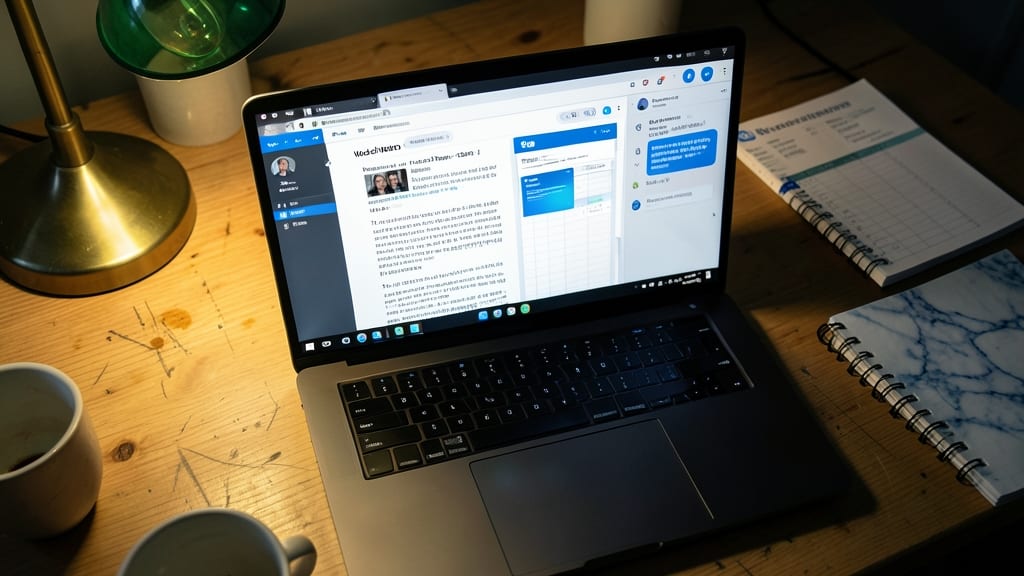
Forgot to save that research paper? No problem. Microsoft Teams’ seamless OneDrive integration lets students access, edit, and save Word, Excel, and PowerPoint files directly from their Teams workspace—no extra logins or third-party apps required.
Every file syncs automatically to the cloud, so you never lose work, even if your device crashes. The version history feature lets you restore earlier drafts with a single click, while real-time co-authoring ensures group projects stay organized. Teachers can also share templates or rubrics instantly, keeping everyone on the same page.
This is a game-changer for high schoolers juggling multiple assignments or college students collaborating on research papers. No more frantic searches for USB drives or scattered Google Docs—just secure, centralized file management built into the platform. ✨
Parent-Teacher Communication Hub
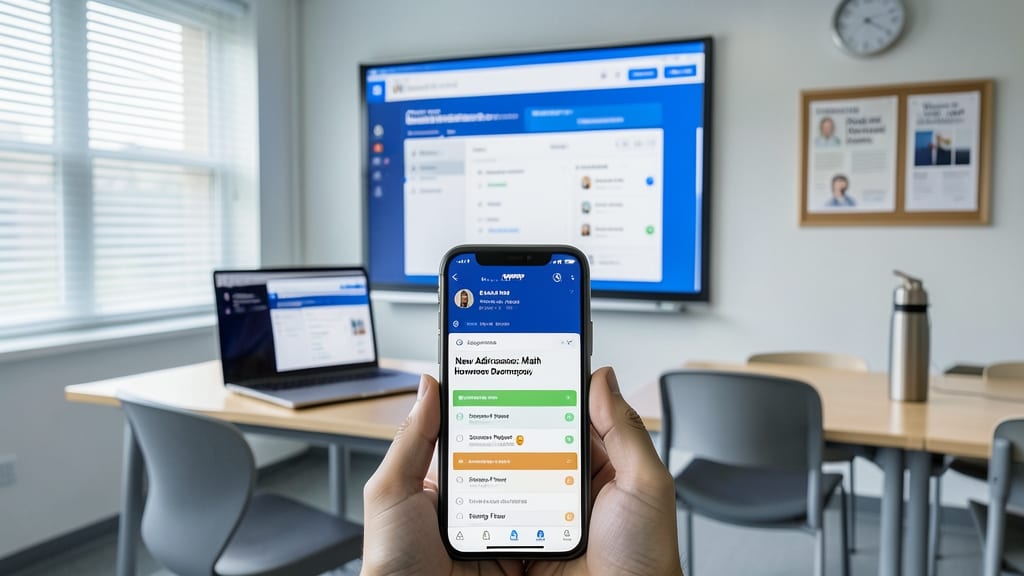
Tired of parents chasing down teachers for missing assignments or updates? Microsoft Teams solves this with a dedicated parent communication hub—a secure space where guardians get real-time class announcements, assignment overviews, and direct messaging with teachers, all in one place.
Teachers can create private parent channels per class, share automated progress reports, and even schedule video check-ins—all while keeping sensitive data protected. Parents love the mobile-friendly app, which delivers push notifications for deadlines and events, while teachers appreciate the time-saving automation that cuts down on repetitive emails. The built-in calendar integration ensures no one misses key dates.
This feature is a game-changer for hybrid or remote schools where face-to-face interactions are limited. It turns fragmented communication into a single, organized hub—keeping everyone on the same page. 🌟
Accessibility Features for Inclusive Learning
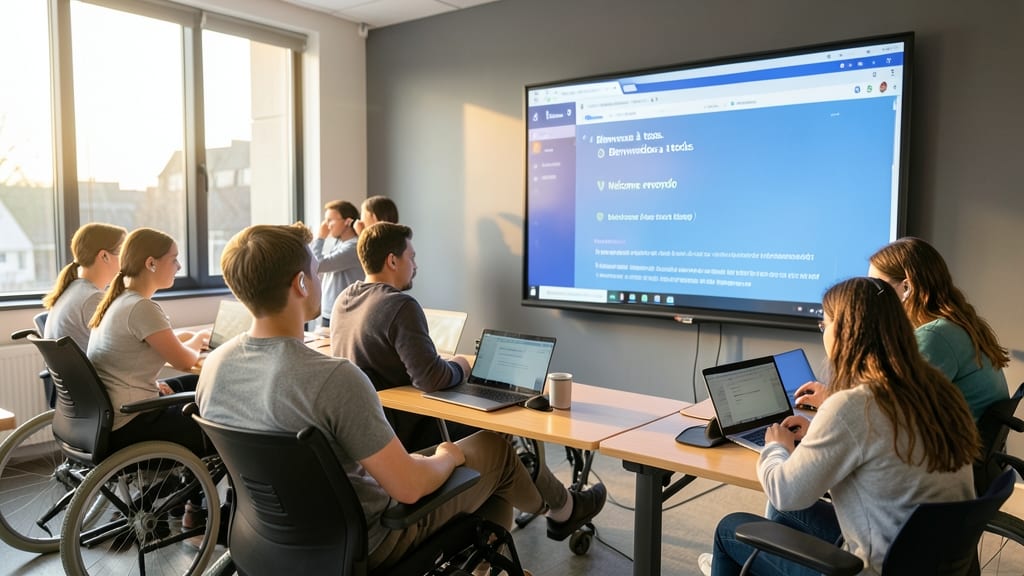
Every student deserves to engage fully in learning—yet many face barriers with digital tools. Microsoft Teams removes those obstacles with built-in accessibility features that adapt to individual needs, ensuring no one gets left behind during virtual lessons.
With live captions (now supporting 10+ languages), students who are deaf or hard of hearing can follow along in real-time. The Immersive Reader tool offers customizable text sizes, syntax highlighting, and picture dictionaries to support dyslexic learners or non-native speakers. For visually impaired students, screen reader compatibility (like JAWS or NVDA) integrates seamlessly, while high-contrast themes reduce eye strain during long sessions.
These features aren’t just add-ons—they’re native to Teams, meaning no extra software or training is required. Teachers can enable them with a few clicks, making classrooms truly inclusive by default. ✨
Gamification with Classroom Quizzes
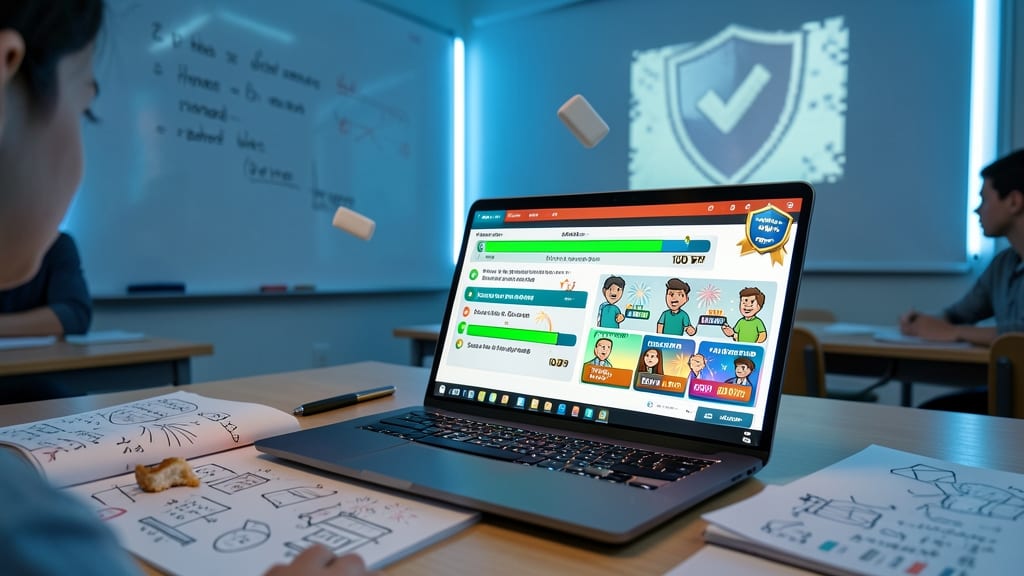
Tired of students seeing quizzes as tedious chores? Microsoft Teams transforms assessments into gamified challenges with instant feedback, progress bars, and even digital badges—turning math problems into competitive fun and history dates into race-against-the-clock adventures.
Teachers can create customizable quizzes with multiple-choice, true/false, or short-answer formats, while students earn points for correct answers and climb real-time leaderboards. The platform also lets educators reward top performers with virtual badges or certificates, fostering a sense of achievement. With adaptive difficulty settings, you can even tailor challenges to individual skill levels.
This feature works best for subjects like math (timed drills) or history (flashcard battles), but it’s equally effective for language arts or science. Students who once dreaded tests might just start asking, "Can we do this more often?" 🌟
Cost-Effective School-Wide Deployment
School budgets are stretched thin, but upgrading to a modern learning platform shouldn’t be. Microsoft Teams is already bundled with Microsoft 365 Education licenses, meaning schools can deploy it without extra costs—no need to purchase pricey third-party LMS platforms like Canvas or Blackboard.
Beyond cost savings, Teams delivers enterprise-grade security with FERPA-compliant data protection, role-based access controls, and end-to-end encryption for student data. The platform also simplifies IT management with single-sign-on (SSO) integration, reducing the need for multiple logins or complex setups.
Perfect for districts looking to cut expenses while maintaining high standards, Teams offers a seamless transition from existing Microsoft tools—no training curve or hidden fees. ✨