
Software
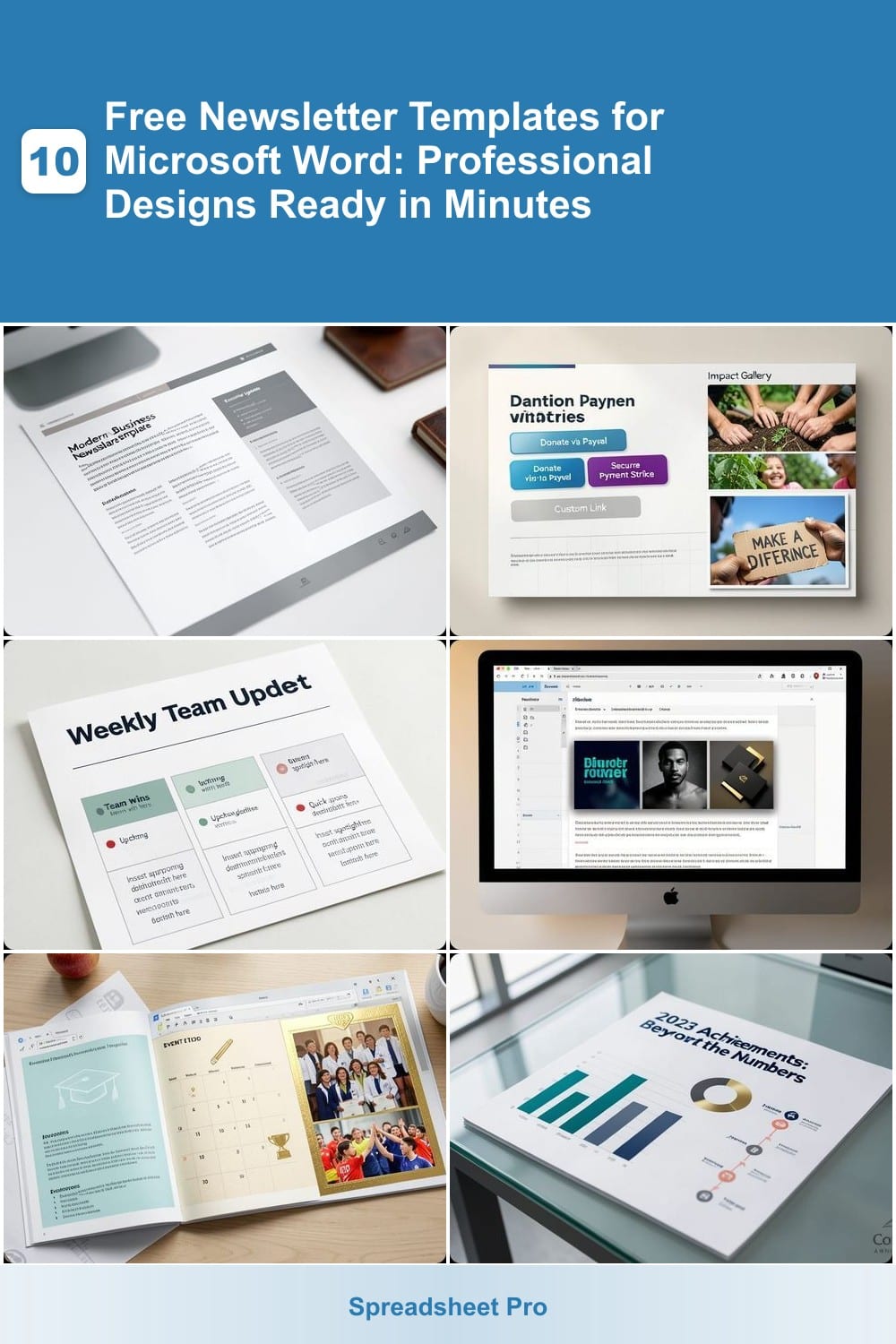
Struggling to create polished newsletters in Microsoft Word without design skills? These 10 free, professionally designed templates will help you craft visually appealing communications in minutes—no subscription fees required.
Modern Business Newsletter Template with Clean Layout
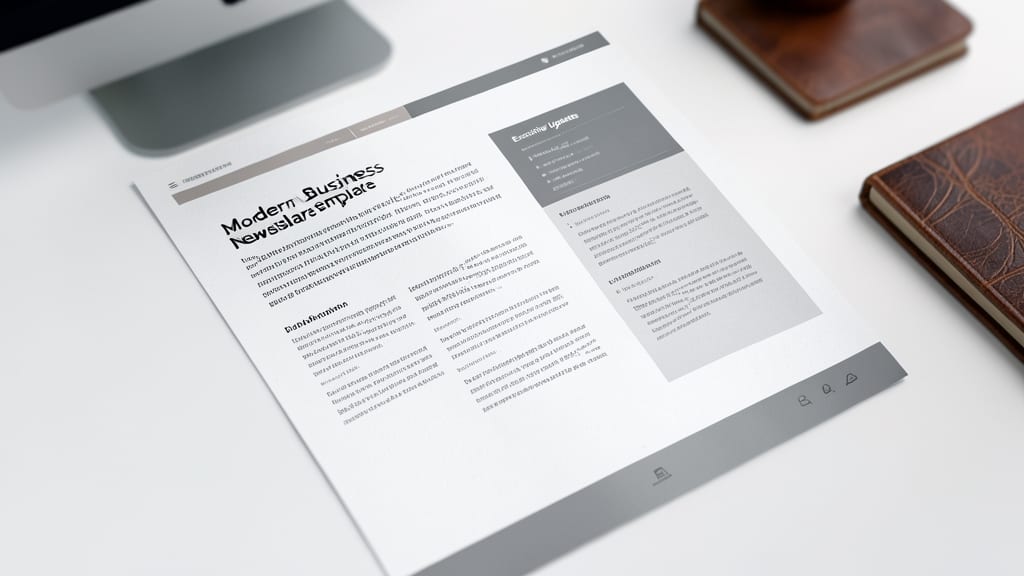
Tired of newsletters that look cluttered or unprofessional? This Modern Business Newsletter Template delivers a minimalist design with subtle gray accents and readable typography—perfect for corporate teams prioritizing brand consistency.
The template includes pre-formatted sections for executive updates, team spotlights, and call-to-action buttons, all optimized for Microsoft Word’s built-in tools. With customizable color schemes and responsive layouts, you can match your company’s branding in minutes—no design skills required.
Ideal for marketing teams, executives, and HR departments, this template ensures your communications look polished while keeping the focus on content. ✨
Elegant Nonprofit Newsletter with Donation Call-to-Action
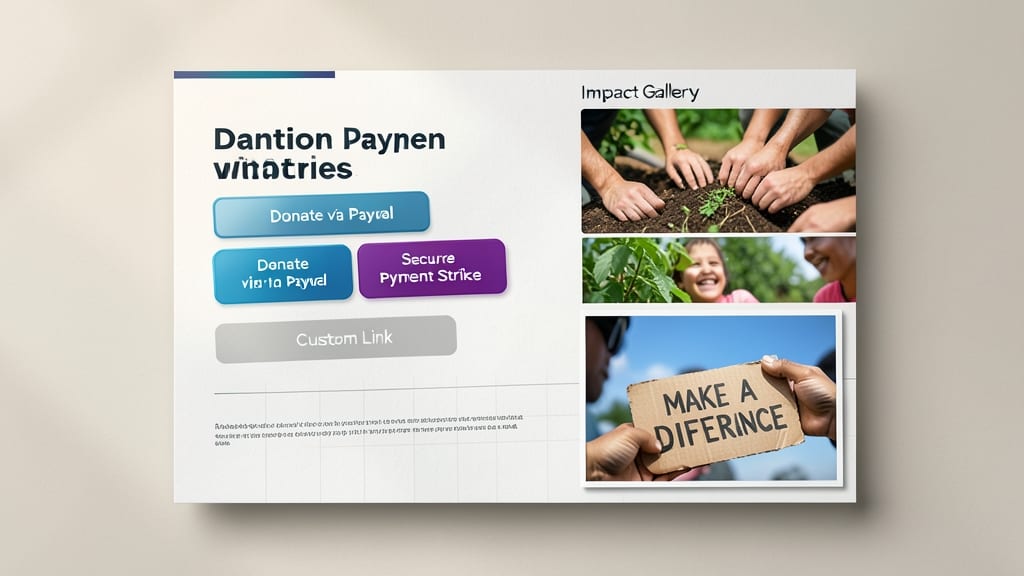
Nonprofits and charities can turn supporters into donors with this pre-built donation-focused template—no coding or design skills needed. The layout includes clickable donation buttons (PayPal, Stripe, or custom links) and dedicated sections for impactful imagery, like volunteer photos or project updates, to emotionally engage readers.
Key features include drag-and-drop image placeholders for cause-related visuals, pre-formatted donation CTAs with contrasting colors for visibility, and mobile-responsive text blocks to ensure readability across devices. The soft blue-green color palette subtly reinforces trust, while the two-column design keeps content organized and scannable.
Ideal for small nonprofits or busy charity teams who need to boost engagement and donations without hiring designers. Perfect for monthly impact reports, fundraising campaigns, or volunteer appreciation newsletters. ✨
Minimalist Weekly Update Newsletter Template
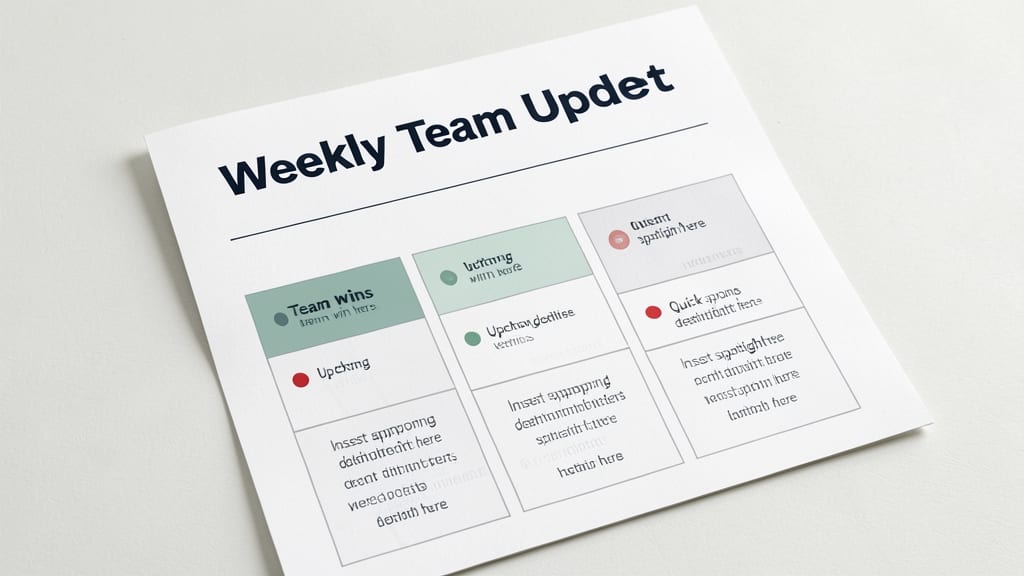
Tired of spending hours formatting team updates that look disjointed? This Minimalist Weekly Update Newsletter Template cuts through the clutter with a pre-structured layout that highlights what matters most—your team’s wins, upcoming deadlines, and quick spotlights.
Designed for efficiency, it includes dedicated sections for key achievements (bullet-point friendly), upcoming events (with calendar integration), and a team spotlight grid (perfect for headshots or project highlights). The monochrome color scheme ensures brand flexibility, while the modular design lets you drag and drop content without formatting headaches. Best of all, it’s optimized for quick edits—no design skills required.
Ideal for agile teams, remote workgroups, or project managers, this template turns weekly updates into a clear, engaging snapshot of progress. No fluff, just focus. ✨
Creative Agency Newsletter with Image Slideshow
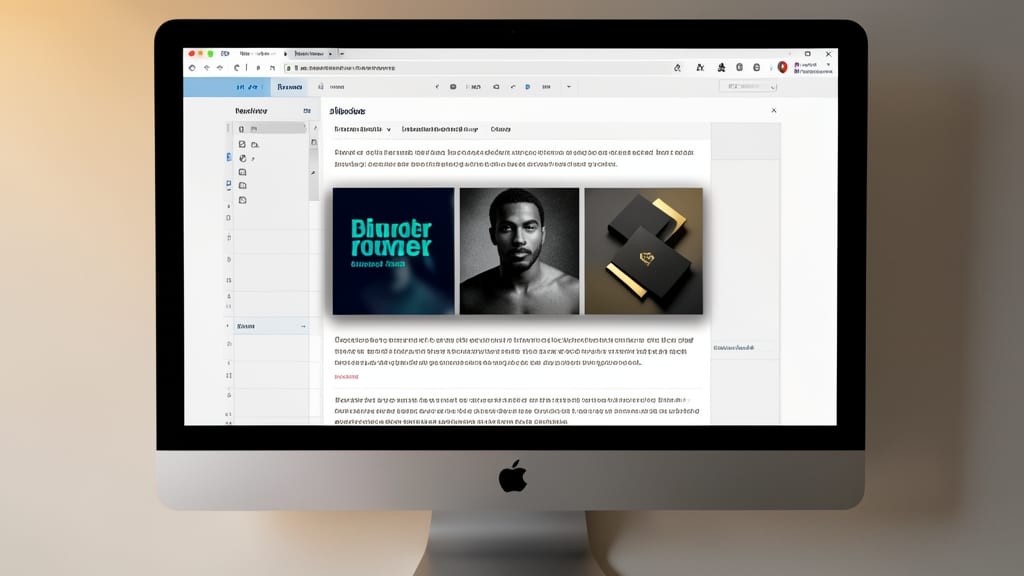
If your creative agency thrives on visual storytelling, this image slideshow template transforms static portfolio pieces into an interactive showcase. Designed specifically for designers, photographers, and branding agencies, it features a dedicated slideshow section where you can highlight your best work with smooth transitions and captions.
The template includes pre-built placeholder images that you can replace with your own high-res portfolio shots, client testimonials, or project case studies. With bold typography options and adjustable color schemes, you can match your agency’s branding while keeping the focus on your visuals. The layout even includes a sidebar for contact details, ensuring clients can easily reach out after being wowed by your work.
Perfect for agencies that want to wow clients with dynamic visuals without coding or design expertise. This template turns every newsletter into a mini-portfolio that drives engagement and conversions. ✨
Educational Institution Newsletter for Schools
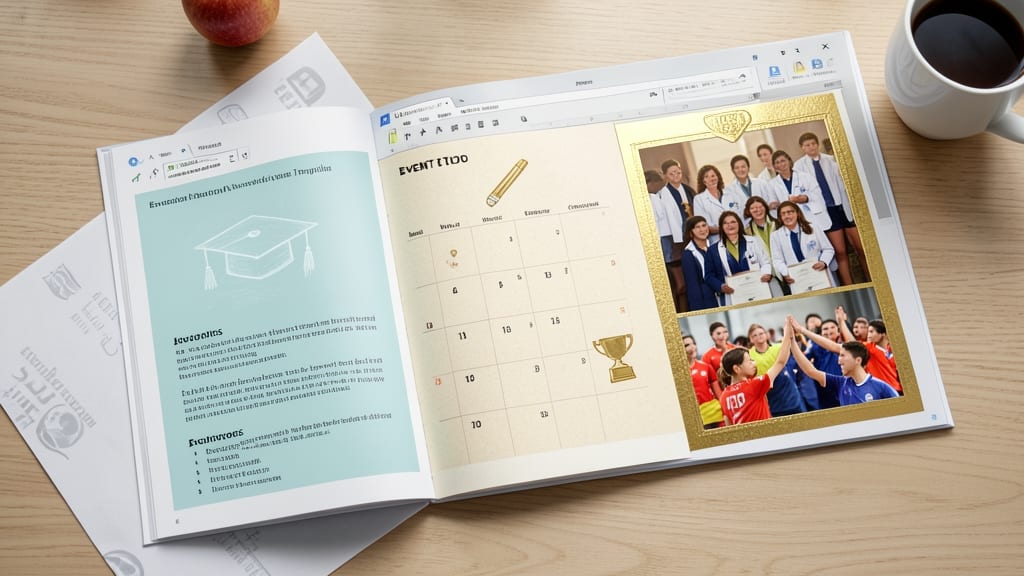
Keeping parents, students, and staff informed just got easier with this educational institution newsletter template, designed specifically for schools and universities. It includes dedicated sections for academic updates, event calendars, and student achievement highlights, ensuring all key information stays organized and accessible.
The template features pre-formatted branding guidelines to maintain consistency with school colors, logos, and fonts—no design expertise required. You’ll also find interactive calendar placeholders for deadlines, parent-teacher meetings, and extracurricular events, plus a photo gallery section to showcase student accomplishments and school activities.
Perfect for K-12 schools, colleges, and universities, this template simplifies communication while reinforcing school identity. Download it today to streamline your newsletter process! ✨
Corporate Annual Report Newsletter Template
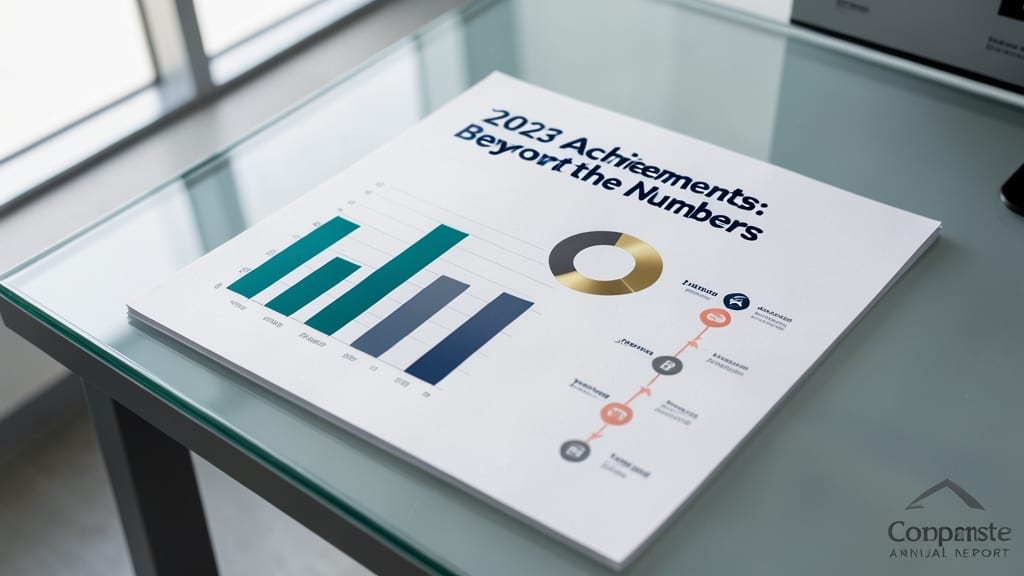
Transforming dry financial data into an engaging executive summary just got easier. This Corporate Annual Report Newsletter Template turns your company’s yearly achievements into a visually compelling narrative, complete with pre-built infographics for financial highlights and strategic goals.
The template includes dedicated sections for revenue growth charts, milestone timelines, and leadership messages—all formatted in a dark blue/white professional palette that commands attention. Simply drop in your metrics, and the auto-formatted tables handle the rest, ensuring clarity for stakeholders at every level.
Ideal for C-suite teams and PR managers, this template saves hours of design work while keeping your report shareable and brand-aligned. ✨
Event Promotion Newsletter with Ticketing Links
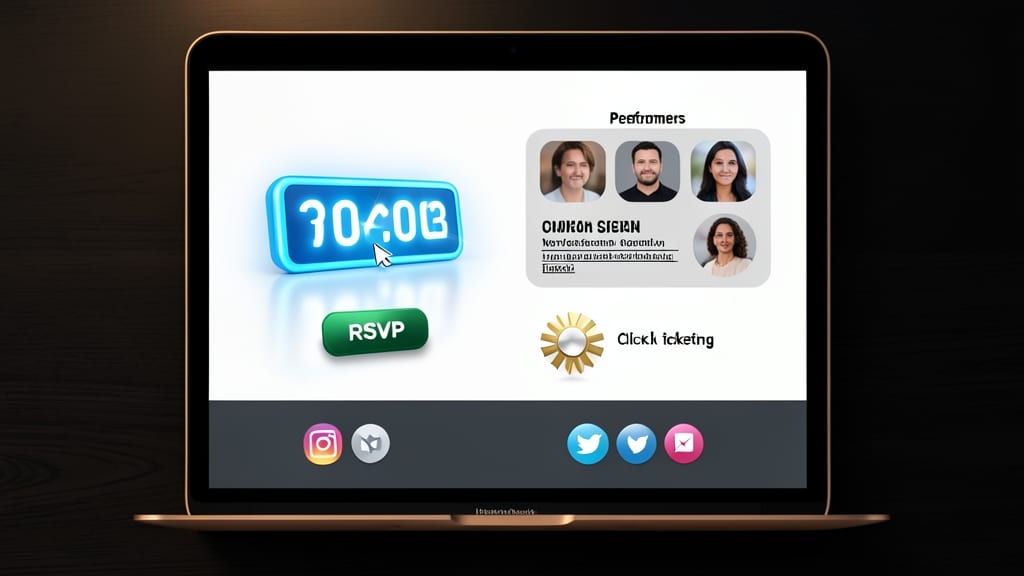
Turn last-minute event signups into a breeze with this Event Promotion Newsletter template, packed with clickable ticketing links and RSVP buttons to streamline registrations.
The template includes a countdown timer to build urgency, event highlight sections for speakers/performers, and social media share buttons to expand reach. Simply replace placeholders with your event details—no coding required. The bold color scheme ensures high visibility, while the two-column layout keeps key info front and center.
Ideal for musicians, conference organizers, and local meetups, this template transforms passive viewers into engaged attendees with just a few clicks. ✨
Personal Blogger Newsletter with Social Media Integration
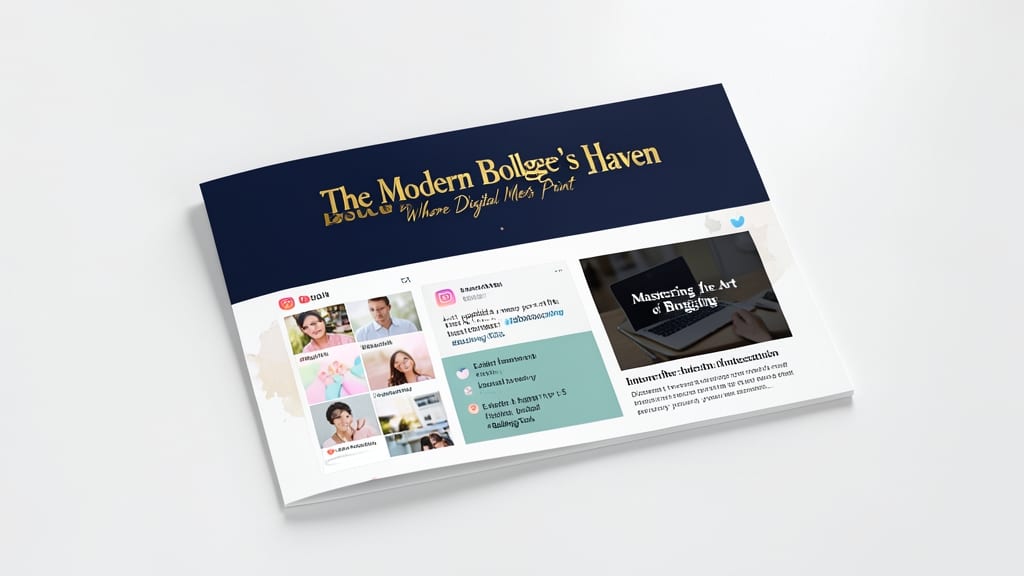
Want to turn your blog’s social media buzz into a polished newsletter that keeps readers hooked? This Personal Blogger Newsletter with Social Media Integration template lets you embed your latest posts, Instagram feeds, and Twitter updates—all while keeping your brand’s voice front and center.
Designed specifically for bloggers, it includes dedicated sections for recent posts (with thumbnails), social media highlight blocks, and exclusive subscriber content—all in a clean, pastel-friendly layout. The drag-and-drop Word compatibility means you can swap colors, fonts, and images in minutes to match your blog’s aesthetic. Plus, the built-in call-to-action prompts readers to engage with your latest content effortlessly.
Ideal for solopreneurs, lifestyle bloggers, and tech influencers who want to grow their audience without design headaches. Your readers will feel like VIPs with every click. ✨
Two-Tone Magazine-Style Newsletter Template
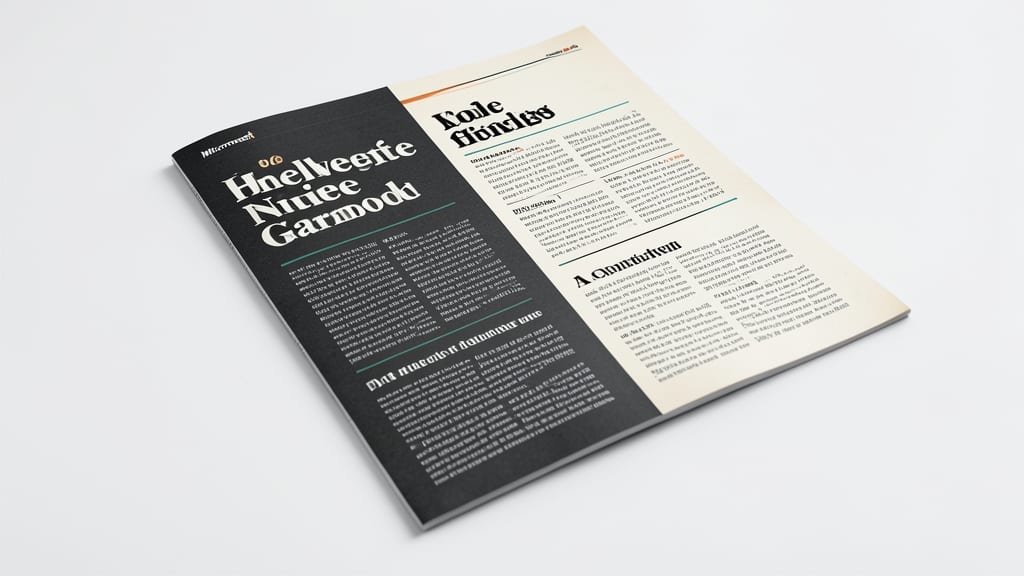
If you’ve ever wished your newsletter looked as premium as a glossy magazine, this two-tone template brings that classic print aesthetic into Microsoft Word. Designed with bold typography, pull quotes, and article-style sections, it’s perfect for long-form content that demands attention—think in-depth reports, editorial-style updates, or thought leadership pieces.
The template includes pre-styled headers, sidebars, and color-blocked sections to guide readers through your content effortlessly. With customizable two-tone palettes (black/gold, navy/cream, or even corporate blues), you can match your brand while keeping the magazine feel. The article layout ensures your key points stand out, whether you’re highlighting case studies, expert insights, or deep dives into trends.
Ideal for content creators, publishers, or professionals who want to elevate their newsletters beyond standard formats, this template turns every update into a visually compelling read. ⚡
Accessible Newsletter Template for Inclusivity
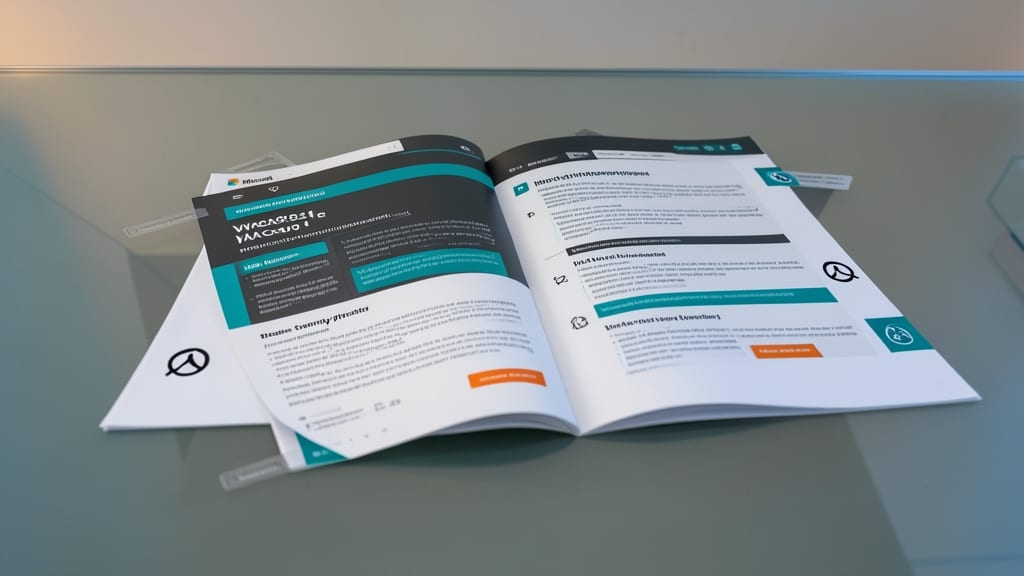
Not everyone reads newsletters the same way—and this template ensures everyone can access yours. Built with WCAG 2.1 AA compliance in mind, it includes alt text placeholders, high-contrast color schemes, and screen-reader-optimized headers to guarantee inclusivity without sacrificing style.
The modern yet clean layout features adjustable text sizes, logical content flow, and skip navigation links for keyboard users. You’ll also find built-in accessibility checklists to verify contrast ratios and image descriptions before sending. No design skills required—just focus on your message.
This is the perfect choice for educators, nonprofits, and corporate teams prioritizing inclusivity. Whether sharing updates with diverse audiences or ensuring compliance with legal standards, this template makes accessibility effortless. ✨