
Coding
SQL Server 2012 introduced groundbreaking features that transformed database management for developers and enterprises alike. These 10 innovations improved performance, security, and usability—making it a pivotal release for modern data-driven applications.
AlwaysOn Availability Groups for High Availability
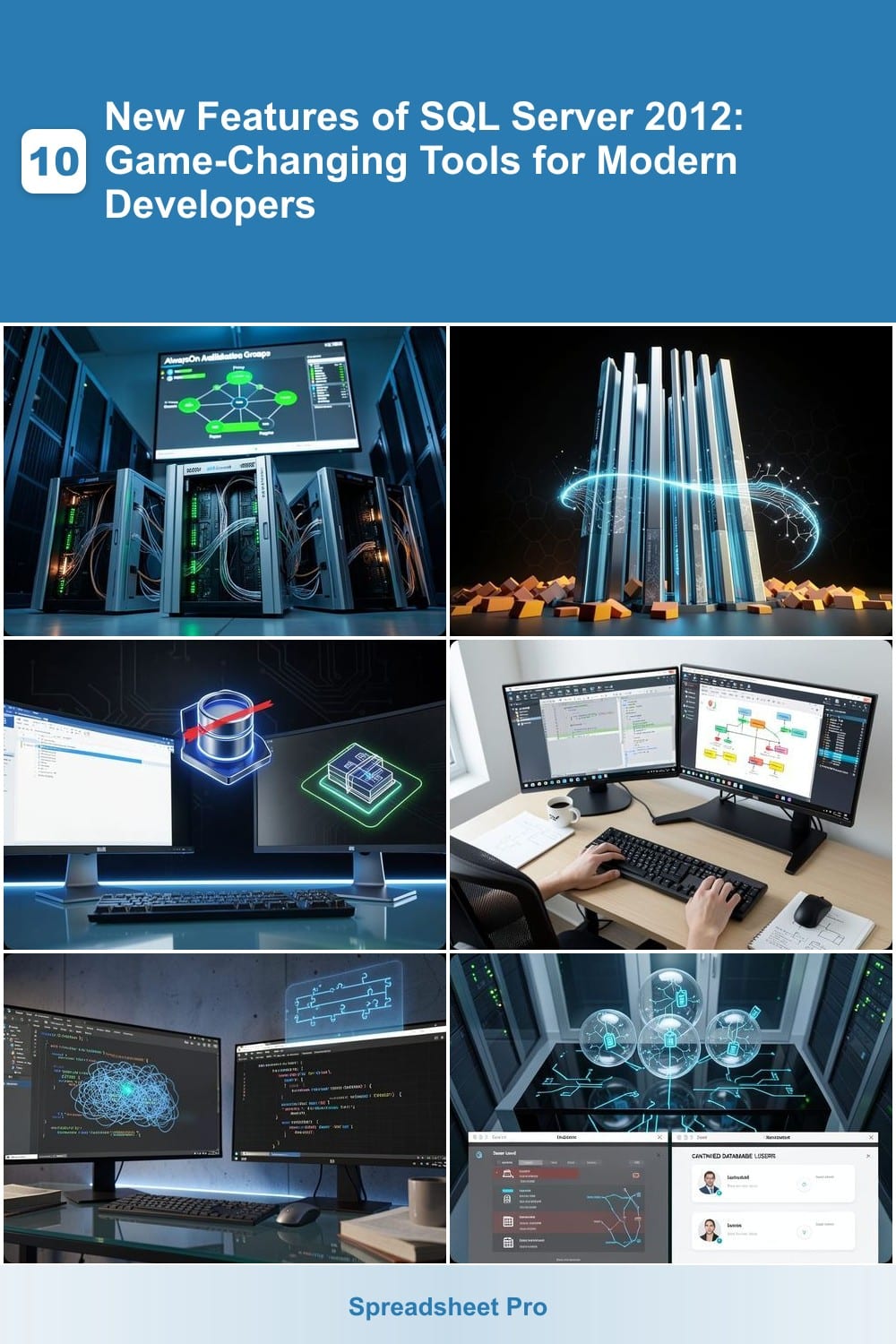
Tired of unplanned downtime crippling your mission-critical applications? AlwaysOn Availability Groups in SQL Server 2012 introduced a game-changer: synchronous data replication across multiple servers, ensuring near-zero downtime even during hardware failures or maintenance.
This feature lets you maintain primary and secondary replicas in sync, with automatic failover to keep applications running seamlessly. Unlike traditional mirroring, it supports up to eight secondary replicas (including read-only copies), making it ideal for global deployments. The synchronous commit mode guarantees data consistency across all nodes, while asynchronous options reduce network latency for distributed setups.
Perfect for enterprise applications like e-commerce platforms or financial systems where uptime is non-negotiable, AlwaysOn Availability Groups eliminate manual failover scripts and reduce recovery time objectives (RTOs) to seconds. ⚡
Columnstore Indexes for Massive Data Compression

Struggling with slow queries on massive datasets? Columnstore indexes in SQL Server 2012 could be your game-changer. This feature redefined data warehousing by storing data column-wise instead of row-wise, slashing storage needs and boosting query speeds by up to 10x.
With columnar compression, SQL Server packs data more efficiently, reducing storage footprint while maintaining fast read speeds. It’s optimized for analytical workloads, supporting aggregations, scans, and filtering operations with minimal overhead. The best part? You can mix columnstore indexes with traditional B-tree indexes for hybrid scenarios.
Data analysts and BI teams will love this—especially when dealing with terabytes of historical data. It’s the secret sauce behind modern data warehouses. ✨
Contained Databases for Simplified Deployment
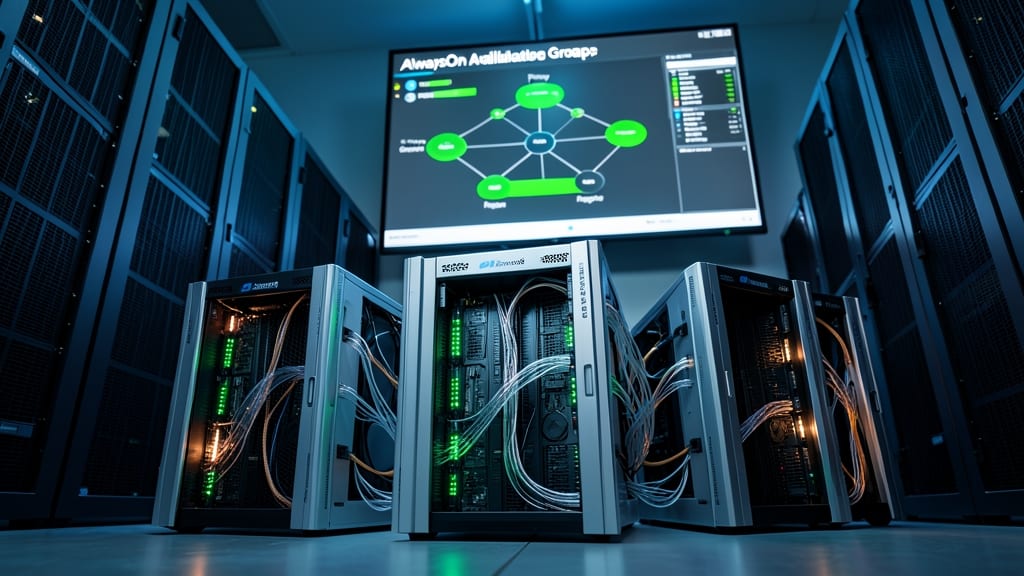
Tired of deployment headaches tied to system database dependencies? Contained databases in SQL Server 2012 solved this by letting databases operate independently—no more relying on the master database for metadata or logins.
With contained databases, you get portable deployments (move databases between servers without manual setup), simplified backups (no system-level permissions needed), and cleaner migrations (users and schemas stay with the database). The PARTIAL containment mode even lets you mix contained and non-contained features for gradual adoption.
This feature is a game-changer for DevOps teams managing multi-tenant apps or cloud deployments, where isolation and portability are critical. ✨
SQL Server Data Tools for Unified Development
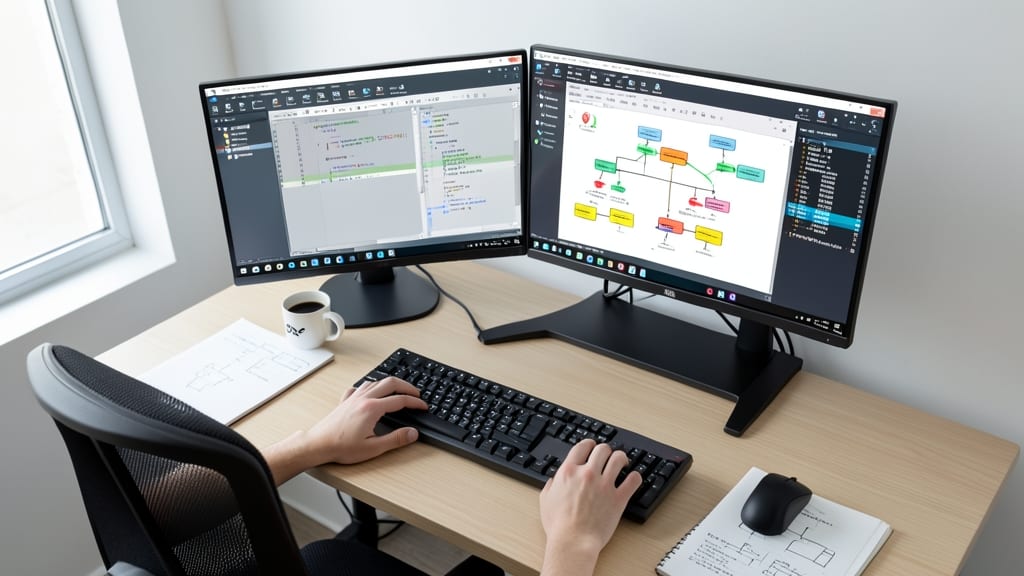
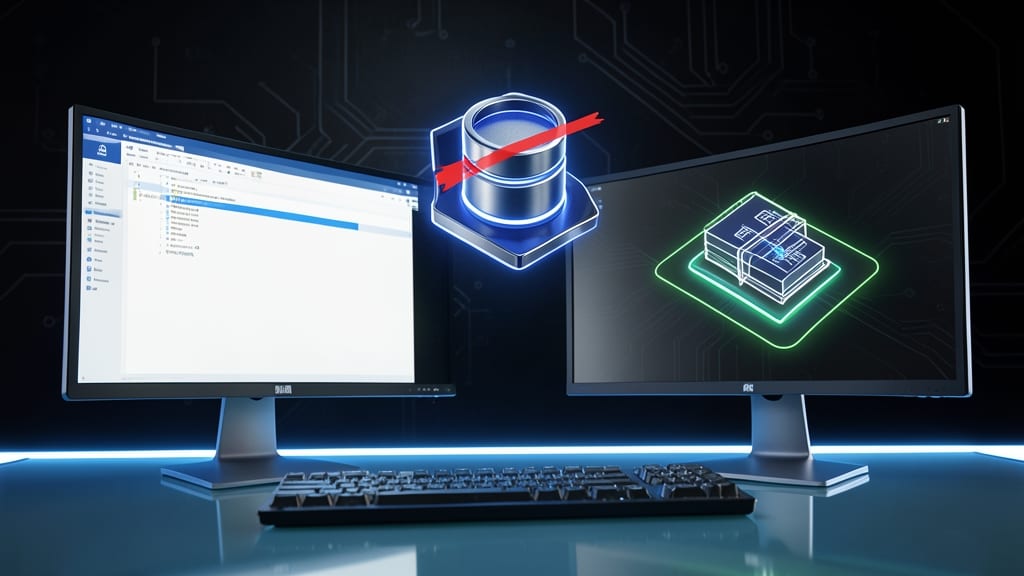
Tired of bouncing between SQL Server Management Studio and Visual Studio for database work? SQL Server Data Tools (SSDT) bridges that gap by embedding database development directly into the IDE you already use.
With SSDT, you get schema comparisons to sync live databases with your project, refactoring tools that safely rename tables or columns across dependencies, and version control integration for tracking database changes alongside code. The project-based workflow lets you script, debug, and deploy databases as part of your application lifecycle—no more manual T-SQL edits or guesswork about deployment order.
This is the go-to for database developers who want to treat schema changes like code—versioned, tested, and deployed alongside application updates. 💻
Window Functions for Advanced Analytics

Tired of writing convoluted self-joins just to rank your data? SQL Server 2012 introduced window functions—a game-changer for analysts and report writers. These functions let you perform calculations across sets of rows while keeping individual row values intact, eliminating the need for complex subqueries or temporary tables.
With ROWNUMBER(), you can assign sequential integers to rows within a partition, perfect for pagination or deduplication. RANK() and DENSERANK() handle ties gracefully, while LAG() and LEAD() let you compare current rows to previous or next ones—ideal for time-series analysis. The syntax is intuitive: OVER (PARTITION BY column ORDER BY column) makes it simple to group and sort data dynamically.
Data analysts and BI developers will love this feature for generating complex reports like customer rankings or moving averages without sacrificing performance. It’s the secret weapon for cleaner, more efficient SQL. ✨
Contained Database Users for Security Isolation
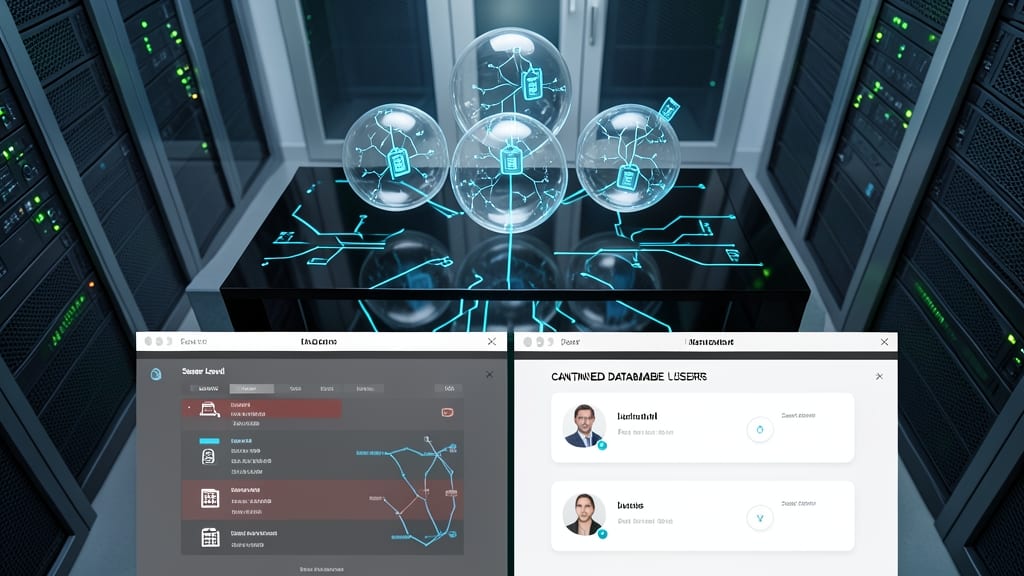
Multi-tenant applications now have a security game-changer: contained database users. Unlike traditional setups where admins manage credentials at the server level, this feature lets you create and manage users directly within individual databases—eliminating the need to sync logins across environments.
With contained database users, you gain granular permissions scoped to specific databases, reducing administrative overhead by up to 70% for large-scale deployments. The feature also supports password policies and login mapping without server-level dependencies, making it ideal for cloud-based or SaaS applications where isolation is critical.
This is a must-have for ISVs and SaaS providers deploying multi-tenant solutions, as it simplifies user provisioning while maintaining strict security boundaries. ✨
Sequence Objects for Simplified Number Generation

Tired of identity columns limiting your key generation flexibility? SQL Server 2012 introduced sequence objects—a game-changer for complex scenarios where traditional auto-increment fields fall short.
These objects let you define custom increments (like 0.5 or 10), handle gaps between values, and share sequences across multiple tables—all without the concurrency issues of identity columns. Need sequential IDs for a multi-table audit log? Sequences make it seamless. Plus, they support cycling (restarting after reaching a max value) for specialized use cases.
Perfect for developers building highly normalized schemas or systems requiring precise control over key generation—like financial transaction IDs or inventory tracking. ⚡
FileTable Feature for Hybrid File Storage
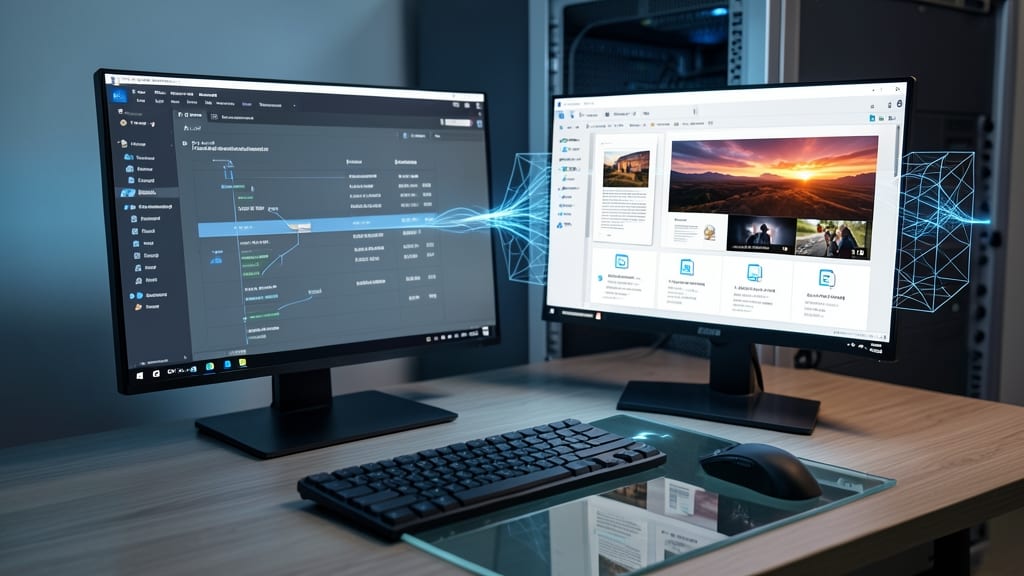
Tired of juggling file systems and databases separately? SQL Server 2012’s FileTable feature bridges that gap by embedding files directly into your database as rows—no more manual syncing or separate storage layers.
This hybrid storage solution lets you manage files (PDFs, images, videos) using standard T-SQL queries, while retaining full file system metadata like creation dates, sizes, and permissions. The NTFS integration ensures seamless access from Windows applications, and checksum validation protects data integrity. Best of all, it’s optimized for content-heavy apps like document management systems or media libraries.
Developers building applications with heavy file dependencies will love how FileTable simplifies workflows—no more writing custom code to sync files between databases and file systems. It’s the perfect tool for modernizing legacy applications or building new ones where unified storage matters. ✨
Power View for Interactive Data Visualization
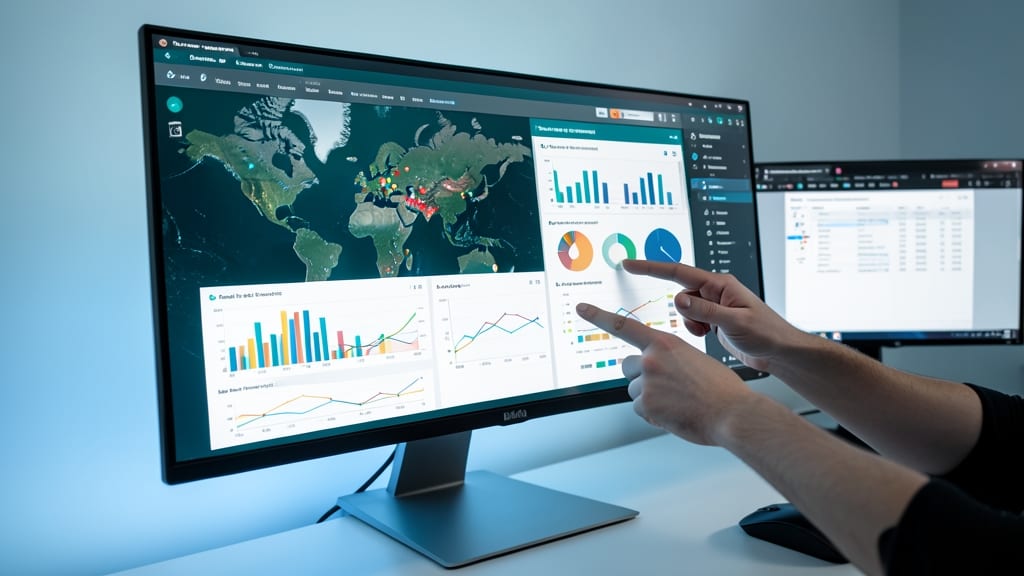
Tired of waiting for IT teams to generate reports? Power View in SQL Server 2012 brought self-service BI directly to your browser—no SQL expertise required.
This browser-based tool lets you drag-and-drop fields to create interactive dashboards with real-time data visualization, including maps, charts, and tables. Built on top of SQL Server Analysis Services (SSAS), it supports Excel-like slicers and filters, while automatically handling complex aggregations. The zero-configuration setup means you can publish reports instantly without IT intervention.
Perfect for business analysts, marketers, or anyone needing quick insights, Power View turns raw data into actionable stories—no coding skills needed. ✨
Contained Database Backups for Portability
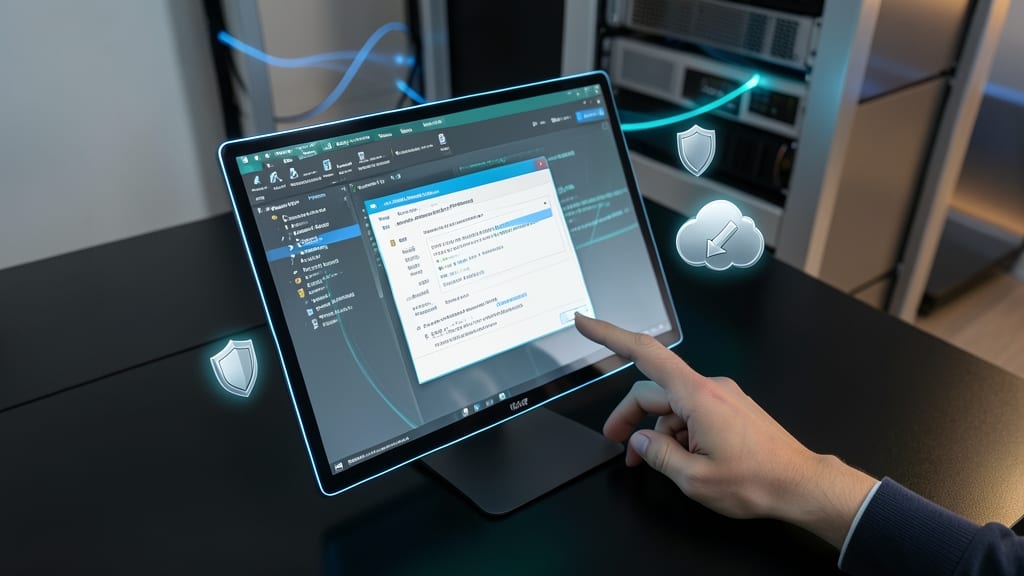
Migrating databases between environments used to require sysadmin privileges and system-level permissions—but SQL Server 2012 changed that with contained database backups. This feature lets you back up and restore entire contained databases without touching the server’s system databases, making cloud deployments and cross-environment moves effortless.
The magic happens through BACKUP TO URL and RESTORE FROM URL commands, which support cloud storage (Azure Blob, AWS S3) or local paths. You can even encrypt backups with AES-256 for secure transfers. No more waiting for DBA approvals or juggling multiple scripts—just a single command to move your database anywhere.
This is a game-changer for DevOps teams and cloud architects who need to spin up test environments or deploy to production without friction. ⚡