
Software
Developers and tech professionals working across languages must handle date and time values consistently. These seven globally recognized formats ensure compatibility, readability, and accuracy in applications, databases, and APIs—regardless of programming language or regional settings.
ISO 8601 Standard Date Format
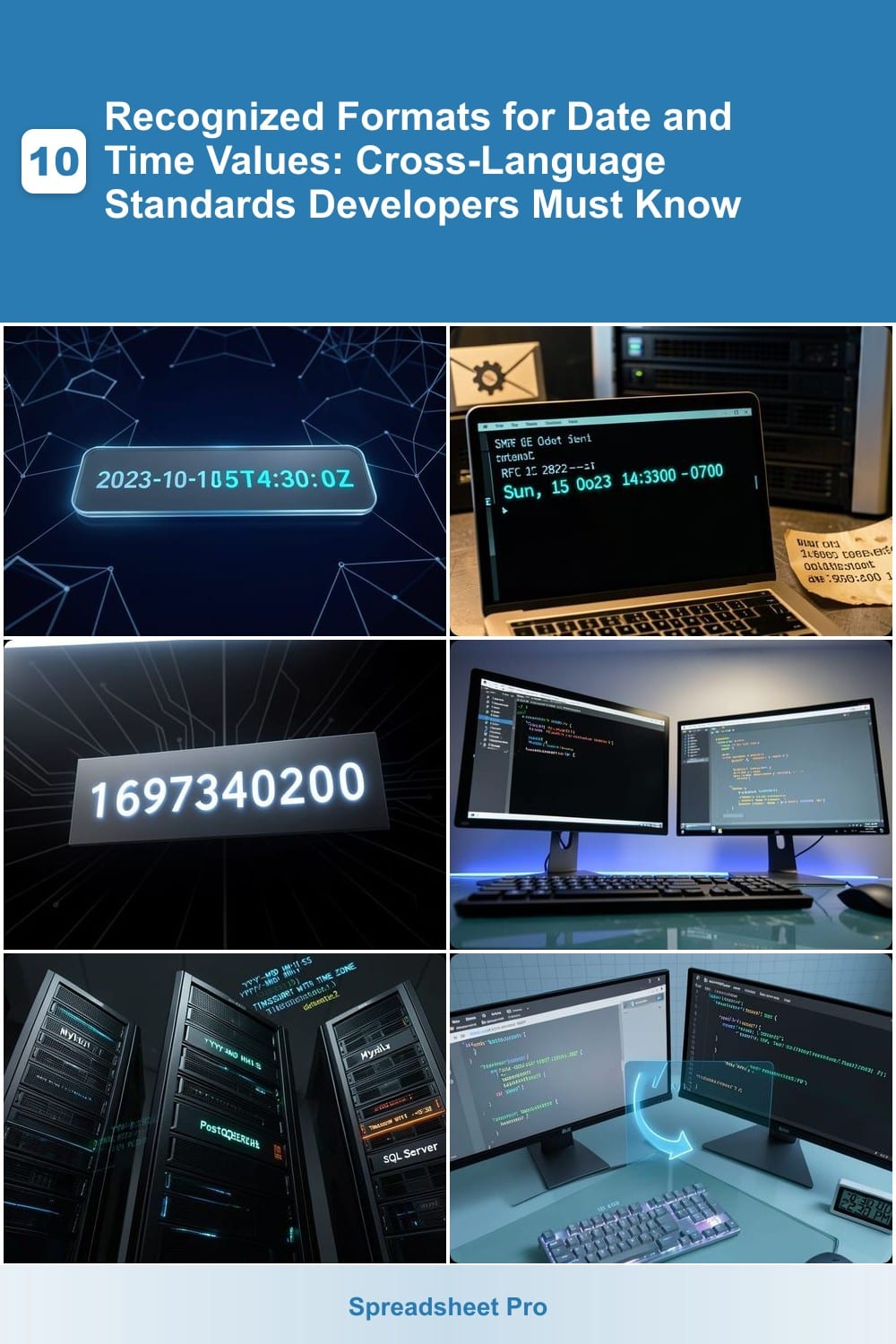
When APIs, databases, and scripts need to speak the same language about dates, ISO 8601 is the universal translator. This standardized format—like 2023-10-15T14:30:00Z—eliminates ambiguity by separating years, months, and days with hyphens, while time components use colons and an optional timezone offset.
Supported natively in Python’s datetime, JavaScript’s toISOString(), and SQL databases, it ensures seamless parsing across systems. The format’s strict structure—always YYYY-MM-DD—prevents misinterpretation (no more guessing if "01/02/2024" means January 2nd or February 1st). Libraries like Moment.js and date-fns also prioritize ISO 8601 for consistency.
Ideal for APIs, logs, and global applications, this format is the default choice when you need machine-readability without locale quirks. ⚡
RFC 2822 Email Date Format
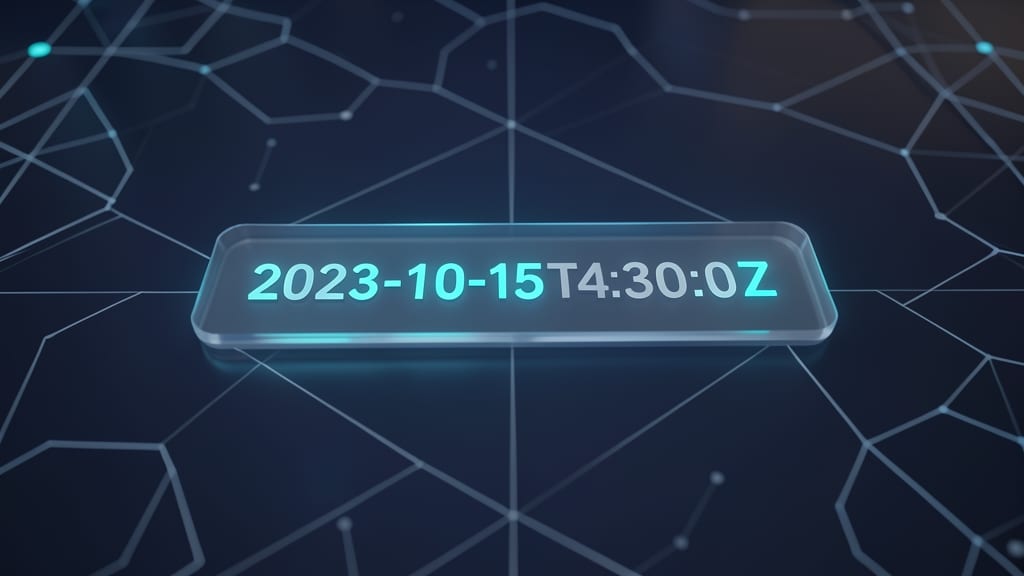
If your application needs to communicate with SMTP servers or parse legacy email systems, the RFC 2822 date format is non-negotiable. Unlike ISO 8601, this format uses a human-readable, day-first structure (e.g., Sun, 15 Oct 2023 14:30:00 -0700), designed specifically for email headers and ensuring backward compatibility with decades-old systems.
The format includes a 3-letter weekday abbreviation, day of the month, 3-letter month abbreviation, time in 24-hour format, and a timezone offset (e.g., -0700 for PDT). This structure is hardcoded into SMTP protocols, meaning any email sent or received must adhere to it—otherwise, servers may reject or misinterpret timestamps. Libraries like Python’s email.utils.formatdate() or Java’s SimpleDateFormat with "EEE, dd MMM yyyy HH:mm:ss Z" handle generation automatically.
Email developers, sysadmins managing mail servers, and legacy system integrators rely on this format daily. For APIs or apps interacting with email infrastructure, RFC 2822 is the only safe choice. ✨
Unix Timestamp Format
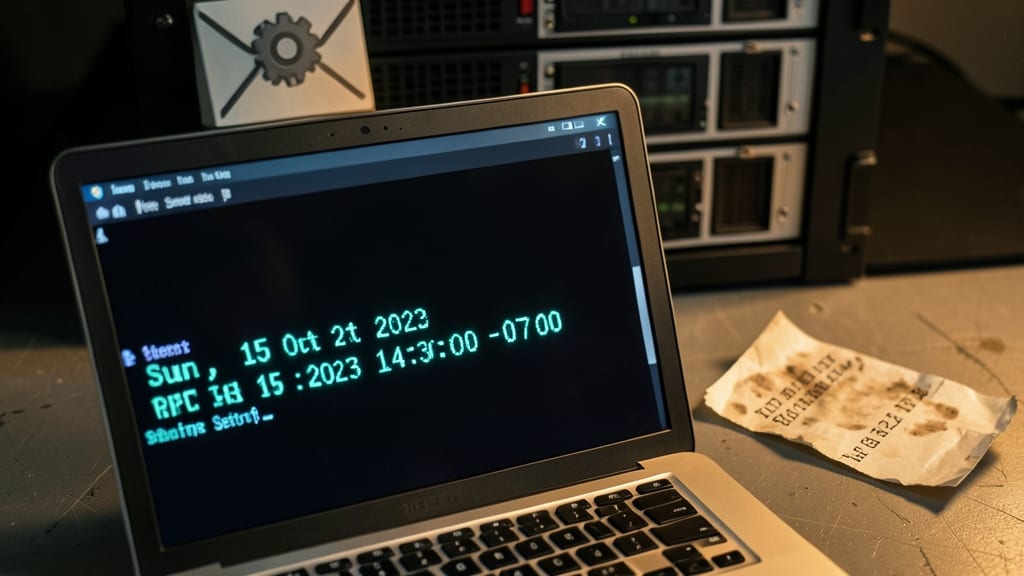
When milliseconds matter and storage space is precious, Unix timestamps (e.g., 1697340200) deliver a zero-config, language-agnostic solution. Unlike human-readable formats, this integer-based representation counts seconds since January 1, 1970, making it the backbone of logging, caching, and time-based algorithms in systems like C, Go, and Python.
Its compact 10-digit format (or 13 digits for milliseconds) eliminates parsing overhead, while libraries like PHP’s time() or JavaScript’s Date.now() handle conversions seamlessly. Ideal for backend services, this format thrives in environments where performance and consistency outweigh readability—think load balancers, cron jobs, or distributed systems where every microsecond counts.
Backend engineers and DevOps teams will appreciate how Unix timestamps simplify timezone-agnostic comparisons and database indexing without the ambiguity of human-readable formats. ⚡
ANSI C Date-Time Format
Need to format dates in C or C++ while ensuring your code works across different systems? The ANSI C date-time format—powered by the <time.h> library—gives you precise control with strftime(), a function that converts time structures into locale-specific strings like '%Y-%m-%d %H:%M:%S'.
This format shines in legacy systems and embedded environments where you need backward compatibility without relying on modern libraries. Specifiers like %a (abbreviated weekday) or %p (AM/PM) let you customize outputs for user interfaces, logs, or APIs. For example, strftime(buffer, sizeof(buffer), "%A, %B %d, %Y", &tm) generates 'Monday, October 15, 2023'.
Perfect for developers maintaining C/C++ codebases or working with systems where ISO 8601 isn’t an option. ⚡
SQL Date-Time Formats

When your application interacts with databases like MySQL, PostgreSQL, or SQL Server, you can’t just use any date format—each has its own strict rules. SQL databases enforce specific standards for storing and querying dates, from MySQL’s 'YYYY-MM-DD HH:MI:SS' to PostgreSQL’s TIMESTAMP WITH TIME ZONE, ensuring precision in time-sensitive operations.
MySQL defaults to '2023-10-15 14:30:45' for full timestamps, while PostgreSQL distinguishes between DATE (no time) and TIMESTAMP (with time). SQL Server uses 'YYYY-MM-DD HH:MI:SS.mmm' for millisecond precision. These formats aren’t just about storage—they dictate how queries filter, sort, and display time data, directly impacting performance in analytics and transactions.
If you’re building data-driven apps, understanding these formats is critical for writing accurate SQL queries and avoiding timezone pitfalls. Developers working with relational databases will appreciate how these standards streamline backend logic while maintaining consistency. ✨
JavaScript Date Format

JavaScript’s Date object bridges frontend and backend with two key methods: toISOString() and toLocaleString(). Unlike other languages, JavaScript doesn’t enforce a single standard—it gives you flexibility for both machine readability and user-facing displays.
For APIs or backend integration, toISOString() generates ISO 8601 strings like "2023-10-15T14:30:00.000Z", ensuring consistency across systems. Meanwhile, toLocaleString() adapts to regional preferences, like "10/15/2023" (US) or "15/10/2023" (EU), without manual string manipulation.
This dual approach makes JavaScript ideal for full-stack apps where dates must work seamlessly in browsers, Node.js, and databases. Perfect for developers building cross-platform tools! ✨
Excel Date-Time Formats
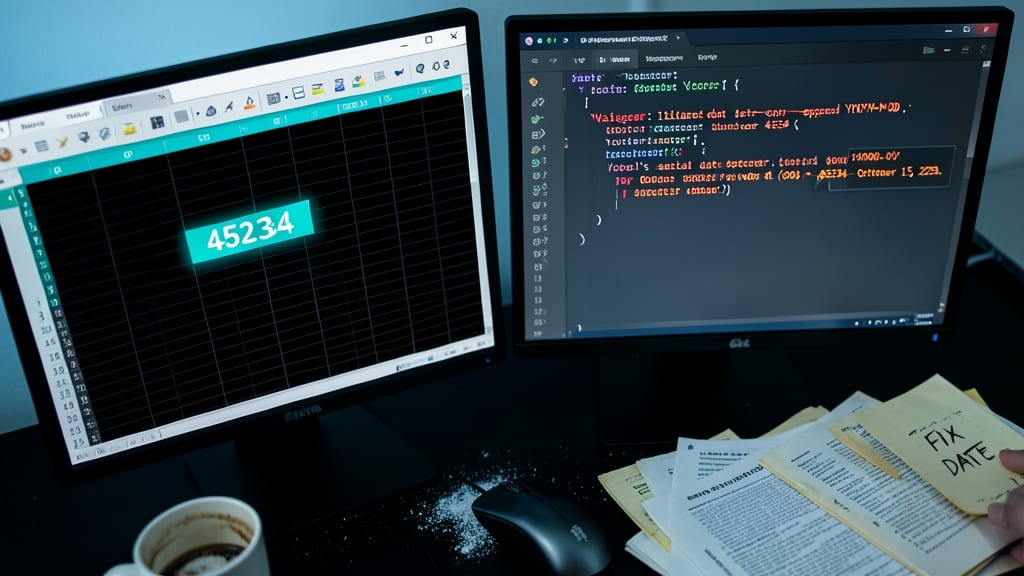
If you’ve ever imported data from Excel into a database or API—and gotten cryptic errors—you’ve likely run into its serial number system. Excel stores dates as sequential integers (e.g., 45234 = October 15, 2023), which can break parsing logic if not handled properly.
Beyond raw numbers, Excel’s custom date-time formats (like MM/DD/YYYY HH:MM AM/PM) are critical for interoperability. These formats ensure consistency when exporting to CSV, JSON, or other systems, especially in US vs. European locale conflicts. For example, 01/02/2024 could mean January 2nd or February 1st—Excel’s formatting rules help clarify this ambiguity.
This format is a must-know for data analysts, finance teams, and automation scripts that bridge Excel with other tools. Just remember: always validate serial numbers and enforce consistent formatting before sharing data. ✨