
Operating System
Struggling to stay organized in 2023? These 10 free OneNote planner templates transform your digital notebook into a productivity powerhouse, covering everything from daily tasks to long-term project tracking—all without spending a dime.
Minimalist Daily Planner Template
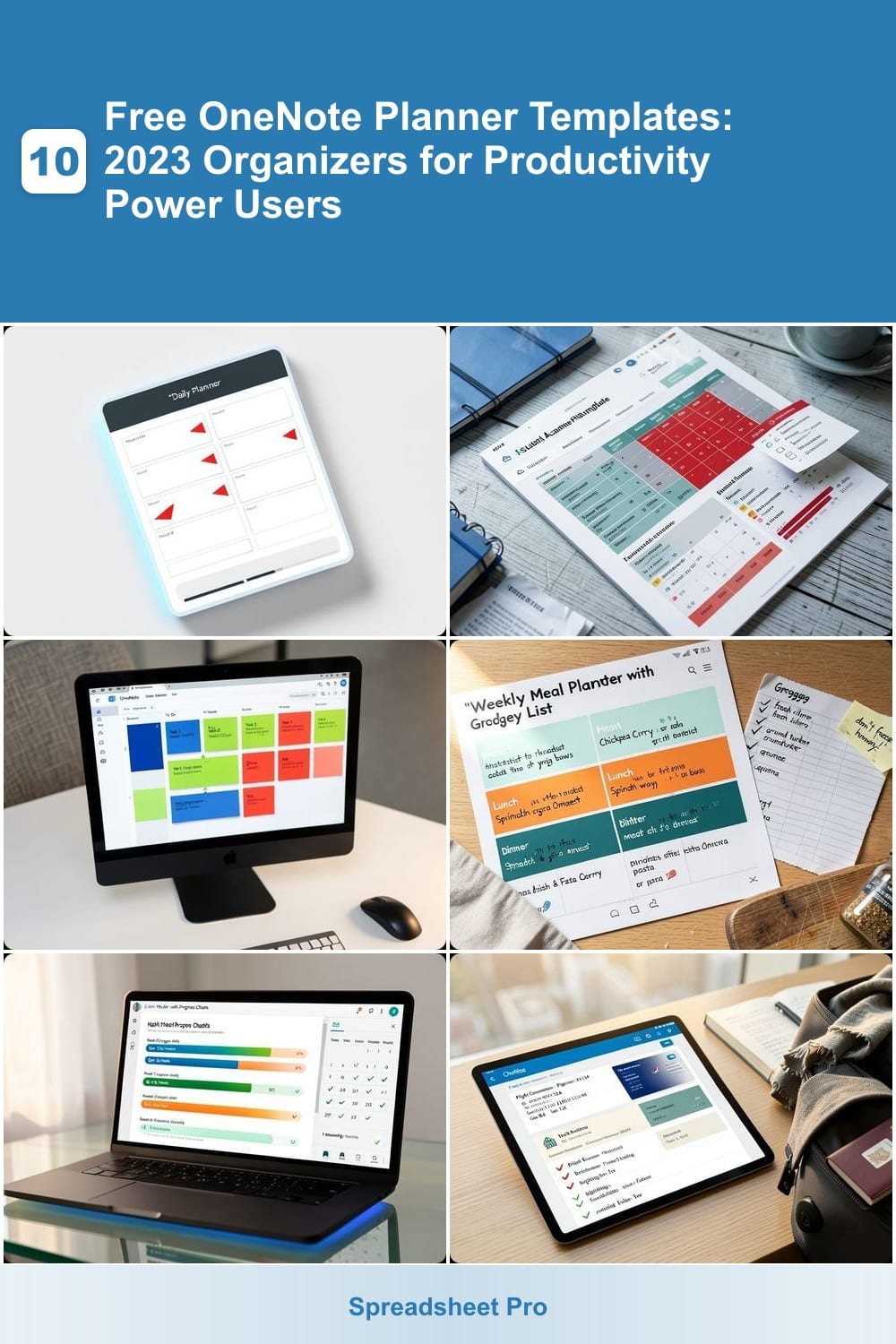
If you spend more time wrestling with your planner than actually using it, this Minimalist Daily Planner Template is your digital escape. Built for professionals who thrive on simplicity, it strips away unnecessary fluff while keeping all your essentials—time-blocked tasks, priority flags, and a one-click drag-and-drop system—right where you need them.
The template’s single-column layout ensures zero distractions, with pre-formatted sections for morning priorities, deep work blocks, and evening reviews. Customizable color schemes let you match it to your brand or vibe, while the built-in checklist system syncs seamlessly with OneNote’s mobile app. No more buried tabs or overwhelming designs—just a clean canvas that adapts to your rhythm.
Perfect for remote workers, freelancers, or anyone drowning in digital clutter, this template turns planning into a five-minute habit instead of a chore. Start your day with clarity, not chaos. ⚡
Student Academic Planner Template
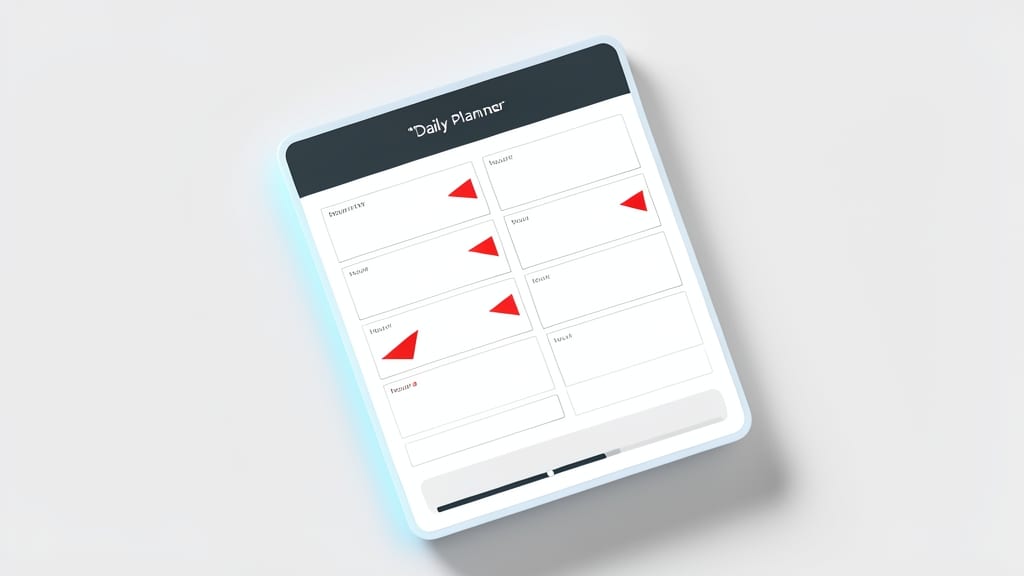
Drowning in syllabi, group projects, and midterms? The Student Academic Planner Template turns chaos into clarity with a dedicated hub for all your college essentials. Unlike generic planners, this one’s built for the academic grind—with built-in sections for assignment tracking, exam schedules, and even a study timer to keep you focused during cram sessions.
What sets it apart is the Microsoft To Do integration, so deadlines sync automatically and reminders hit your phone whether you’re in class or at the library. The template also includes color-coded priority flags and a grade tracker to visualize your progress mid-semester. Best of all, it’s fully editable—swap out course names, add professor contacts, or tweak the layout to match your study style.
This is the ultimate tool for undergrads juggling multiple classes, research papers, and extracurriculars. Whether you’re a freshmen overwhelmed by syllabus day or a senior balancing thesis deadlines, it’s designed to keep your academic life on track—without the stress. ✨
Project Management Kanban Board
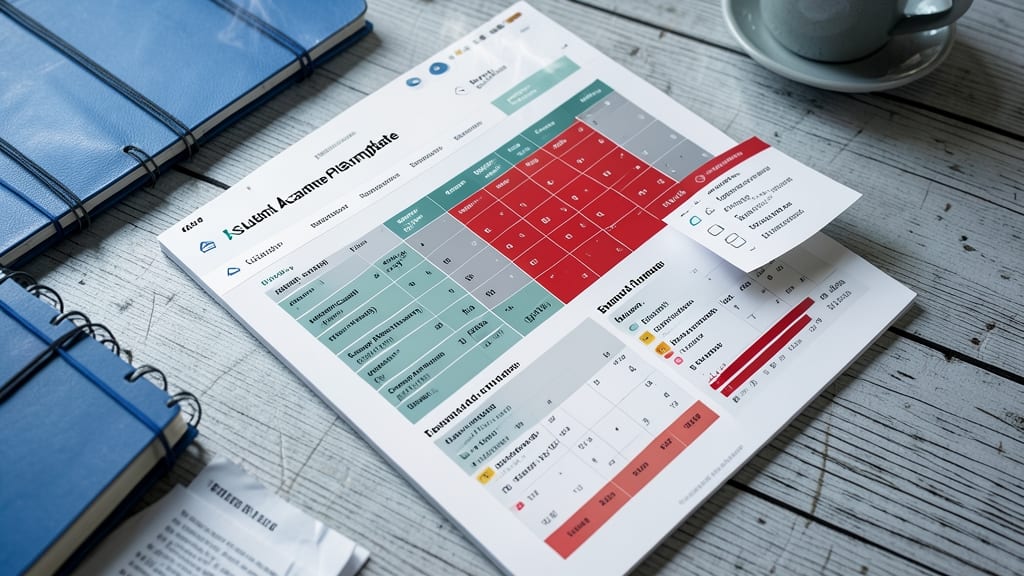
Tired of juggling spreadsheets or clunky tools for your Agile workflows? This OneNote Kanban board template brings the simplicity of sticky notes to your project management, with drag-and-drop cards that sync across devices in real time.
Designed for Scrum or Kanban teams, it includes customizable columns (like "Backlog," "In Progress," and "Done"), color-coded labels, and even a sprint planning section—all without requiring external apps. The template works seamlessly with OneNote’s built-in sharing, so remote teams can collaborate directly in the same board. Plus, you can add checklists, due dates, and file attachments to each card for full context.
Freelancers managing multiple clients or remote teams will love how this template adapts to any workflow—whether you're tracking app development sprints or content creation deadlines. No setup required; just import and start organizing. ✨
Weekly Meal Planner with Grocery List
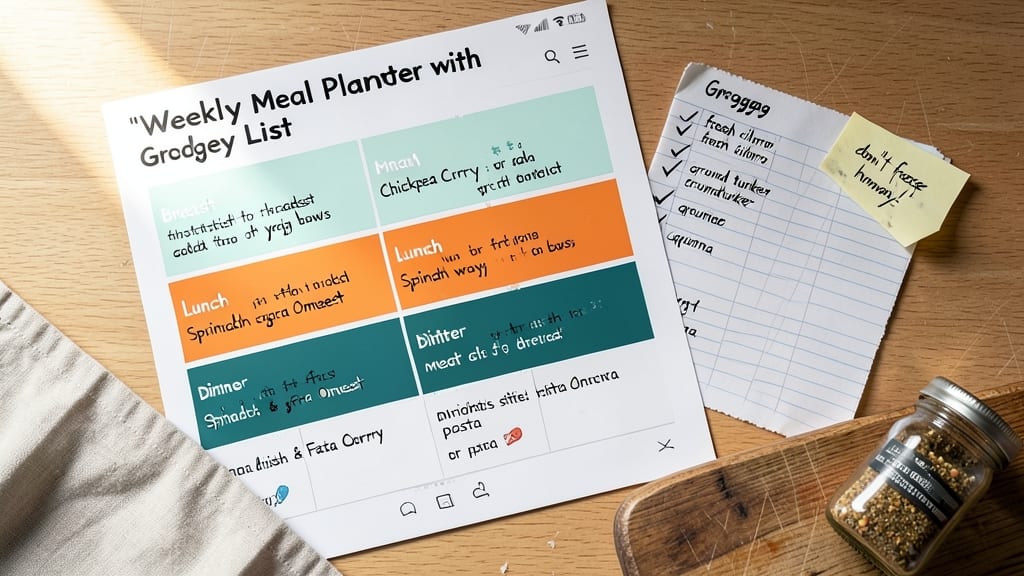
Tired of last-minute grocery runs or forgetting what’s for dinner? This Weekly Meal Planner with Grocery List template streamlines your meal prep by combining everything in one place—no more scattered sticky notes or mental grocery lists.
You’ll get a color-coded meal grid for breakfast, lunch, and dinner, a dynamic grocery list that auto-updates as you plan, and direct links to recipes (like Allrecipes or Tasty) for quick reference. The template even includes a budget tracker to compare weekly spending and a leftovers section to reduce food waste.
Perfect for busy families, meal-prep enthusiasts, or anyone juggling work and home life, this template syncs across devices so you can plan from your phone during lunch or adjust from your tablet in the kitchen. 💪
Habit Tracker with Progress Charts
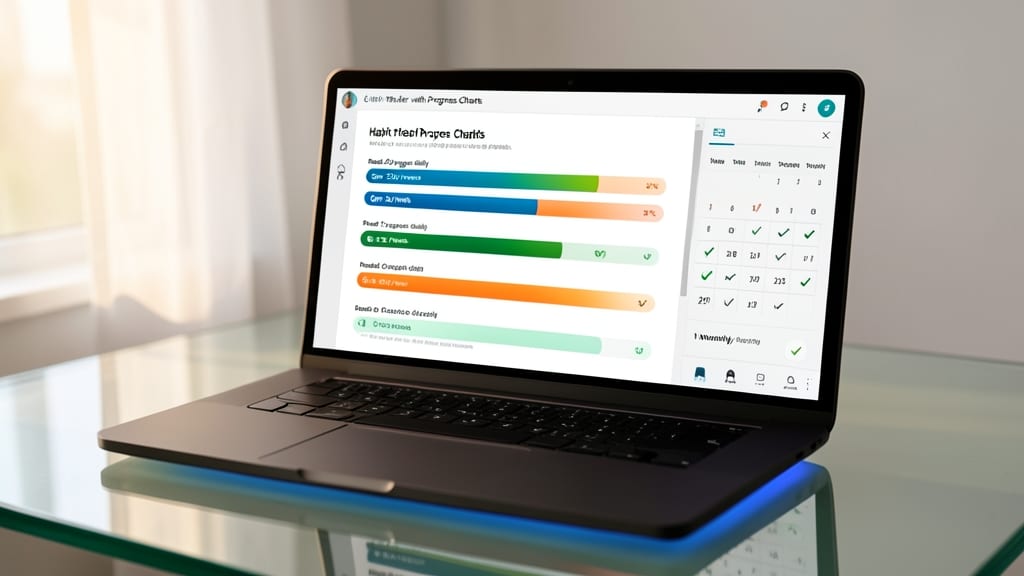
Turn vague goals into measurable wins with this Habit Tracker with Progress Charts—a template designed to make accountability visual and motivating. Unlike generic to-do lists, it transforms habits like reading 20 pages daily or hitting the gym 3x/week into colorful progress bars that adapt to your rhythm.
The template includes customizable checkboxes for daily tracking, monthly/yearly overview pages to spot trends, and color-coded streaks to celebrate consistency. You can even add motivational quotes or personal milestones to keep yourself engaged—perfect for breaking bad habits or sticking to new routines.
Ideal for fitness enthusiasts, bookworms, or anyone looking to build lasting habits, this template syncs across Windows, Mac, and mobile for seamless progress tracking—no matter where life takes you. ✨
Travel Itinerary Organizer Template
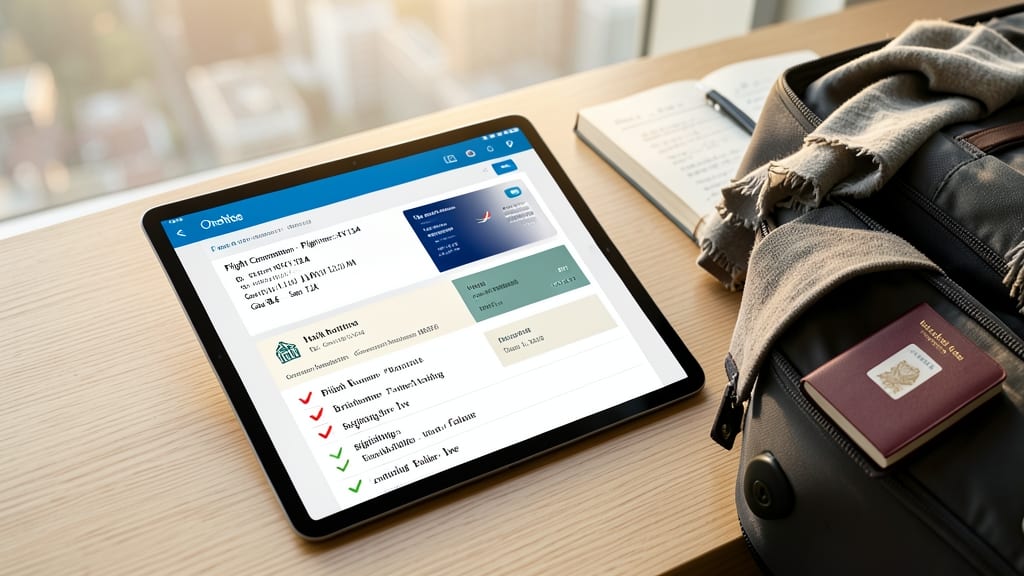
Tired of losing flight confirmations or scrambling to pack last-minute? The Travel Itinerary Organizer Template consolidates everything in one place—flight details, hotel reservations, and sightseeing checklists—so you can focus on the journey, not the logistics.
This template includes dedicated sections for digital ticket storage, packing lists with weather-adjusted clothing suggestions, and a collapsible map view for route planning. The offline compatibility means you can access it mid-flight or in remote areas, and the color-coded priority system helps you spot must-do activities at a glance.
Perfect for digital nomads, family vacationers, or anyone juggling multiple destinations—this template turns chaos into a stress-free adventure. ✨
Financial Budget Tracker Template
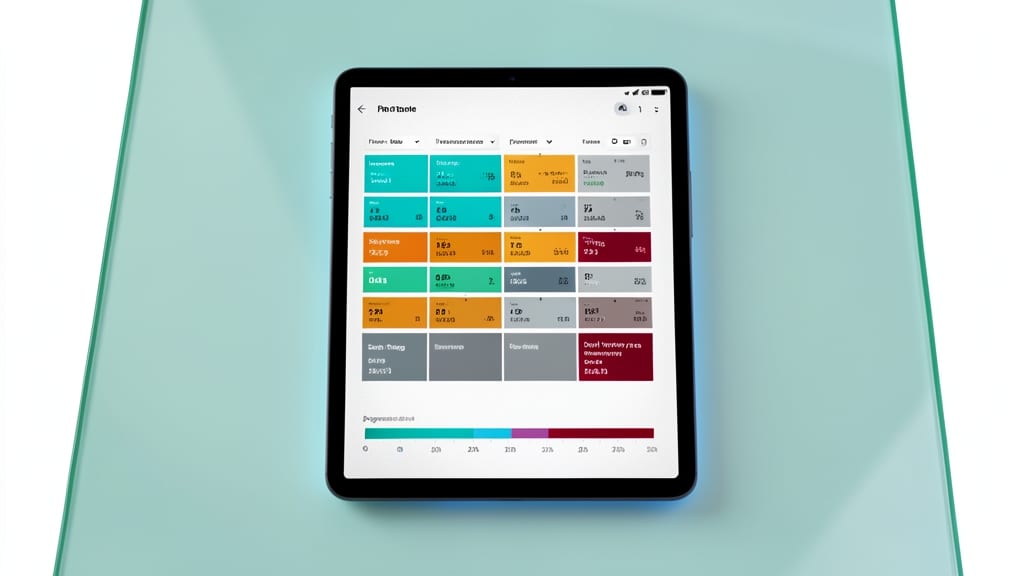
Freelancers juggling multiple income streams and side hustles need more than a basic spreadsheet—this Financial Budget Tracker Template automates the heavy lifting with pre-built formulas that calculate monthly totals, savings progress, and even debt payoff timelines.
The template uses color-coded categories (like "Income," "Bills," and "Savings") to instantly visualize where your money goes, plus a dedicated "Goals" section with progress bars. You’ll also find a transaction log with receipt upload fields, so nothing slips through the cracks. Best of all, it syncs across devices so your budget stays up-to-date whether you're on your phone, tablet, or desktop.
Perfect for freelancers, gig workers, or anyone with variable income, this template turns financial stress into clarity—no spreadsheet skills required. 💡
Content Creator Editorial Calendar
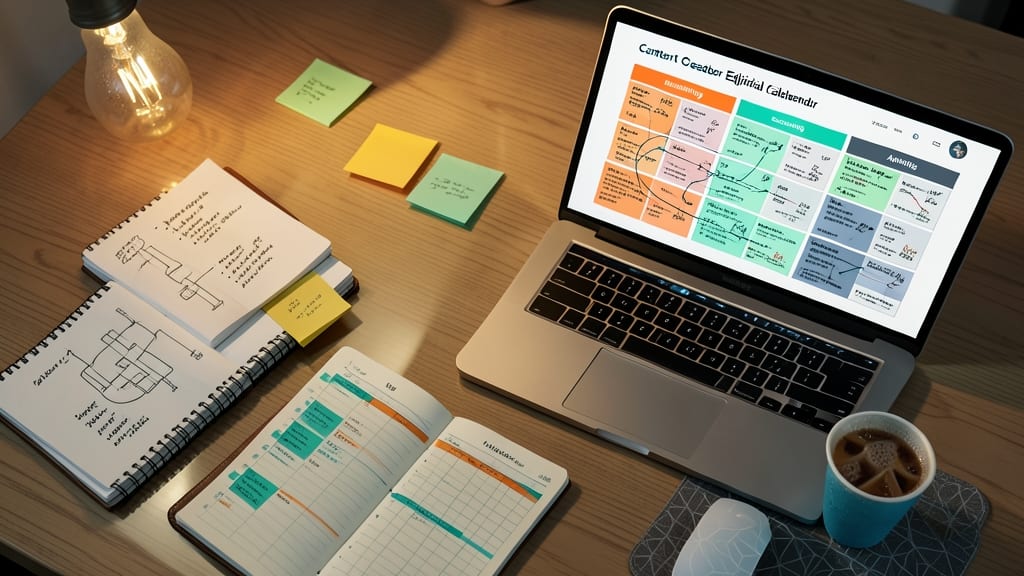
If you’re drowning in content ideas but struggling to execute a consistent publishing schedule, this Content Creator Editorial Calendar template is your lifeline. It combines brainstorming, scheduling, and analytics into one seamless workflow, so you never run out of ideas or miss a deadline.
The template includes pre-built sections for content themes, publishing dates, and performance metrics, plus a direct integration with Canva for quick graphic creation. You’ll also find social media scheduling prompts and a content pipeline tracker to visualize your editorial flow. Best of all, it’s fully customizable—swap out platforms, adjust posting frequencies, and even add your brand colors.
Perfect for solopreneurs, bloggers, and social media managers, this template turns chaos into a structured content machine. Whether you’re launching a new blog or scaling your Instagram presence, it keeps your creative momentum alive without the guesswork. ✨
Health and Wellness Journal Template
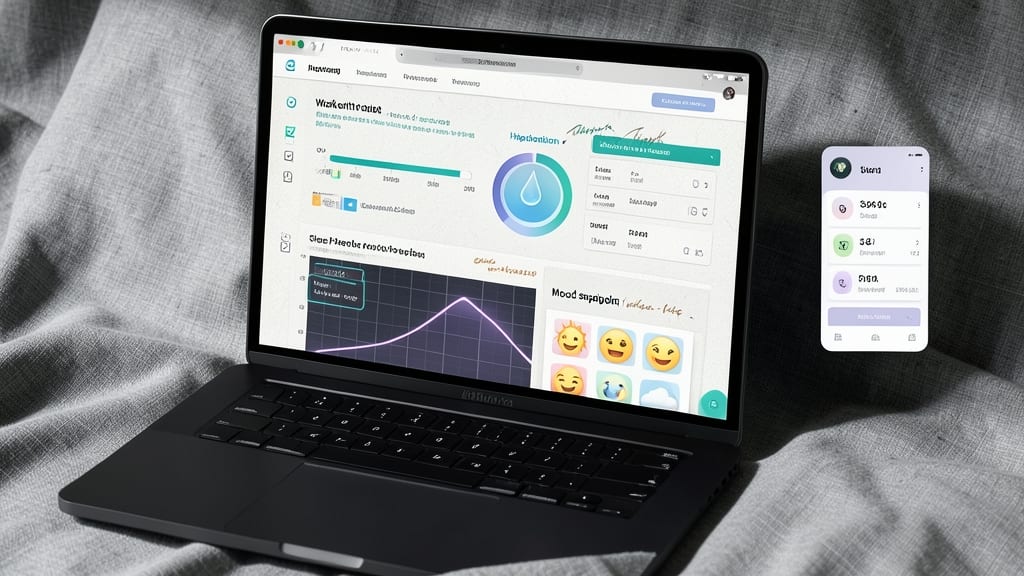
Your health isn’t just about doctor visits—it’s about the daily habits that keep you thriving. This Health and Wellness Journal Template consolidates everything from workout logs and hydration tracking to sleep patterns and mood snapshots, all in one secure digital space.
Beyond the basics, it includes a doctor’s visit tracker with appointment reminders and follow-up notes, plus a dedicated emergency contacts section for quick access. The template’s color-coded progress charts make it easy to spot trends—like when your sleep quality dips before a big project deadline—while the customizable checklists ensure you never skip a wellness habit again.
Perfect for fitness enthusiasts, chronic illness managers, or anyone prioritizing preventive care, this template syncs across devices so your health data stays with you—whether you’re tracking post-workout recovery on your phone or reviewing monthly patterns on your desktop. 💪
Customizable Notion-Style Dashboard
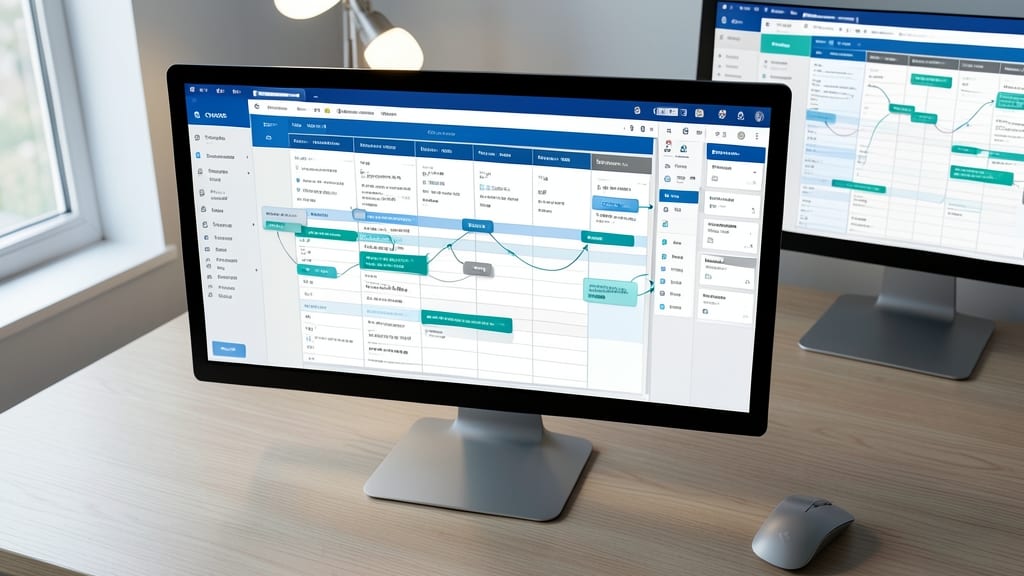
Tired of rigid planners that can’t adapt to your workflow? This Notion-inspired OneNote dashboard lets you embed interactive tables, link pages like a wiki, and nest databases—all without monthly fees. It’s the closest you’ll get to Notion’s power without leaving Microsoft’s ecosystem.
The template includes pre-built widgets for tasks, notes, and calendars that you can drag, resize, or hide. Use OneNote’s built-in linking to jump between sections instantly, and sync across devices via your Microsoft account. No coding or add-ons needed—just pure customization with tools you already own.
Ideal for freelancers, researchers, or anyone juggling multiple projects, this dashboard grows with you. Start with a simple layout, then layer in databases for client tracking or habit logs as needed. 💻